
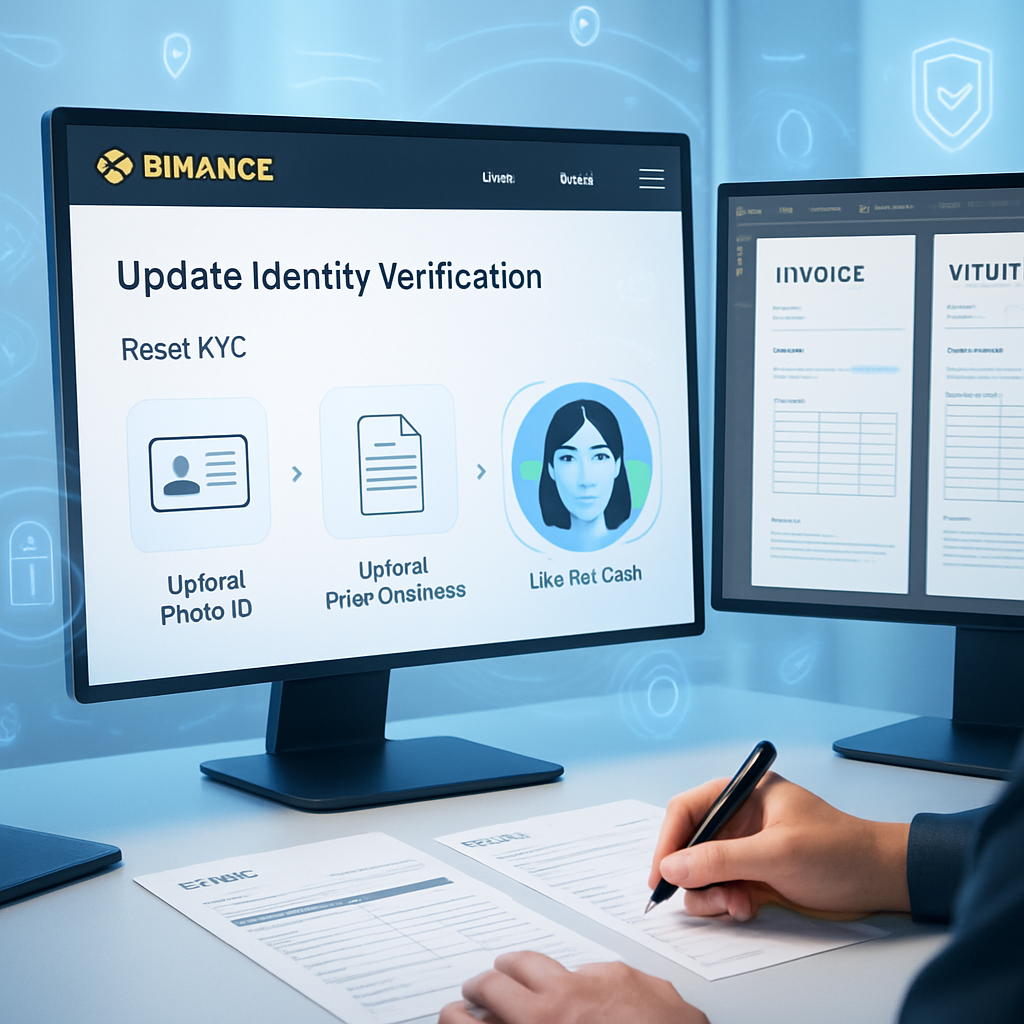
Updating your Binance identity verification can be a complex process without clear guidance, often leading to delays or errors. Knowing exactly how to reset KYC on Binance with the right documents and steps ensures a smoother experience and helps maintain uninterrupted account access. Using a step-by-step approach streamlines the update, minimizes common mistakes, and makes the process more manageable.
In this guide, you’ll learn how to navigate the Binance dashboard to reset KYC efficiently, prepare essential documents like valid photo IDs and proof of address, and handle additional checks such as face recognition. We’ll also cover troubleshooting tips to avoid frequent issues during your Binance identity document update. Let’s explore how to update Binance identity verification with practical insights that save time and reduce hassle while keeping your account information current and secure.
Updating your Binance identity verification is essential for maintaining account security and access. This guide walks you through the process of resetting your KYC on Binance with practical tips to streamline your identity update.
- Follow the step-by-step KYC reset process: Navigate the Binance dashboard carefully to initiate and complete your identity verification update efficiently.
- Prepare and gather required documents upfront: Have valid photo IDs and proof of address ready to avoid delays during the verification.
- Complete additional verification steps accurately: Be ready for face recognition or liveness checks as part of Binance’s enhanced security protocols.
- Identify and troubleshoot common KYC issues: Understand frequent causes of verification failure and implement recommended solutions promptly.
- Submit clear, legible documentation: Ensuring documents are up-to-date and visibly clear reduces rejection risk and speeds approval time.
- Hidden insight—proactive document readiness saves time: Preparing alternative verification proof ahead can prevent unexpected processing delays.
- Use official Binance resources and support links: Refer to Binance’s help center for the latest KYC process updates and accepted documents list.
Next, you’ll learn detailed instructions for each step of the reset process, plus tips for handling verification issues smoothly. These guidelines help keep your Binance account secure while ensuring compliance with identity verification standards.
Editable Document Templates for Efficient Identity Verification Updates
When updating identity verification details on platforms like Binance, using editable document templates—such as Word, PDF, or PSD formats—can streamline the entire process. These templates allow precise customization of bank statements, utility bills, pay stubs, or invoices that meet specific verification criteria. Leveraging them reduces manual errors and accelerates preparation, ensuring submissions are clear and compliant.
Choosing the Right Template Format
Word and PDF templates are user-friendly for text edits and basic layout adjustments. They support inserting locale-appropriate currency symbols, dates, and addresses, which can be critical for matching Binance’s verification preferences. PSD templates, useful for more complex mockups like passports or official documents, offer layer-based editing to manipulate visual elements without affecting text clarity.
Starting with a well-organized template means you can quickly update data fields such as names, dates, and invoice totals, without reformatting the entire document, saving valuable time during identity updates.
Reuse and Customize with Placeholders and Layers
Modern editable templates use placeholders for user-specific information—like dates, addresses, account numbers—which can be updated individually without altering the overall layout. In PSD files, segregated layers for text, logos, and background elements allow reusability and maintain consistency across different versions.
For instance, when preparing a utility bill template for proof of address, you can lock the background design and only update text layers for tenant names or billing periods. This method ensures fast customization while preserving the original professional appearance.
With these practices, managing document templates transitions smoothly into the next phase: ensuring proper formatting through tables and totals that align perfectly for verification.
Table and Totals Management: Keep Everything Aligned and Accurate
Tables often contain critical financial or usage details and must be perfectly aligned with accurate totals to pass scrutiny. Editable document templates designed for verification include predefined table styles and auto-calculation features to minimize human errors.
Consistent Table Styles for Clarity
Using standardized table styles embedded in Word or PDF templates ensures uniform font size, colors, and border thickness. This consistency enhances readability and avoids cluttered or mismatched tables that may trigger rejection during verification.
Ensure each data cell aligns with the corresponding header and that text wrapping is disabled to maintain clear rows and columns. Avoid manual spacing adjustments; opt for table properties settings to control row height and column width, preserving the professional look.
Locale-Aware Math and Formatting
Totals and subtotals should adapt to locale-specific formats—such as decimal separators (comma vs. period) and currency symbols placement (before or after amounts). Many advanced templates incorporate formulas that automatically compute totals as values are changed.
For example, an editable invoice template automatically updates the final amount when individual service costs adjust, reflecting correct VAT calculations based on regional tax rules.
Mastering table and totals management within document templates directly contributes to high-quality document exports, which we’ll explore next in typography, spacing, and branding considerations.
Typography, Spacing, and Branding for Professional Document Presentation
Clear typography and balanced spacing are essential for delivering documents that appear organized and credible. Editable templates allow you to set these elements once and reuse them repeatedly for consistent identity verification submissions.
Choose legible fonts supported across platforms such as Arial, Helvetica, or Times New Roman for body text and bold styles for headers. Maintain kerning and line spacing settings to avoid cramped or overly sparse text blocks.
Consistent branding, such as company logos or header designs, should be inserted on separate template layers, so they remain in place while the content changes. This separation ensures your submissions maintain a cohesive, official look without accidental distortions during edits.
Attentive adjustments in typography and branding naturally lead into exporting your final documents with optimal quality preserved for submission.
Export and Quality Checks for Clean PDF Creation
Exporting your editable templates to PDF format requires precise settings to retain clarity and formatting integrity, a critical step before uploading documents for identity verification.
Ensure Resolution and Compression Settings
Set PDF export options to preserve high resolution for text and images. Compression should minimize file size without blurring or pixelating details—especially important for scanned proof of address documents.
Choosing “Embed Fonts” in export settings guarantees consistent typography regardless of the viewer’s device, preventing font substitution that could disrupt layout.
Perform Quality Checks Before Submission
- Review each page zoomed at 100% to ensure text and tables appear crisp.
- Verify all editable fields have been correctly updated and no placeholder text remains.
- Confirm date formats, currency symbols, and totals display according to the locale requirements.
Taking these export and quality control steps safeguards against delays caused by poor document presentation, forming a seamless handoff to the legal and ethical considerations when using these templates.
Legal & Ethical Use
- Editable document templates should be utilized strictly for lawful design practice, mockups, educational purposes, or film and media props—not as substitutes for official identity or verification documents.
- Never alter templates to mislead or misrepresent identity; maintain transparency and accuracy to comply with platform policies and legal standards.
- Use these templates as tools to better prepare and organize your legitimate documentation, not to bypass official verification steps.
With ethical use in mind, staying informed about the evolving identity verification guidelines is essential for effective document preparation and submission.
How to Stay Informed: Official Resources and Support
Keeping current with official guidance helps ensure your document templates and submission processes align with Binance’s KYC requirements. Regularly consult Binance’s Help Center and official communication channels for updates on policy changes or document standards.
Additionally, community forums and trusted tutorials provide real-world insights and practical tips that can reduce errors and expedite approval.
Combining editable templates with up-to-date information from reliable sources equips users to manage identity updates efficiently and confidently.
Conclusion
Editable document templates—whether in Word, PDF, or PSD formats—offer a streamlined approach to preparing various documents like bank statements, utility bills, pay stubs, and invoices. By leveraging customizable placeholders, consistent table styles, and locale-specific formatting, these templates reduce manual errors and save time while maintaining a professional appearance. Attention to typography, spacing, branding, and optimal export settings further enhances clarity and quality, ensuring documents are presentation-ready.
Using these templates thoughtfully accelerates updates for identity-related submissions, providing repeatable workflows that promote accuracy and consistency. Adhering to ethical guidelines by employing these resources strictly for design practice, mockups, or educational purposes preserves integrity and aligns with legal standards.
Moving forward, integrating these editable templates with ongoing learning from official channels and community insights creates a foundation for continued efficiency and precision in document preparation. Embracing proactive updates and quality controls empowers users to handle identity-related documentation with greater confidence and professionalism.
These templates are intended for design practice, mockups, and film props; they are not substitutes for official documents.