
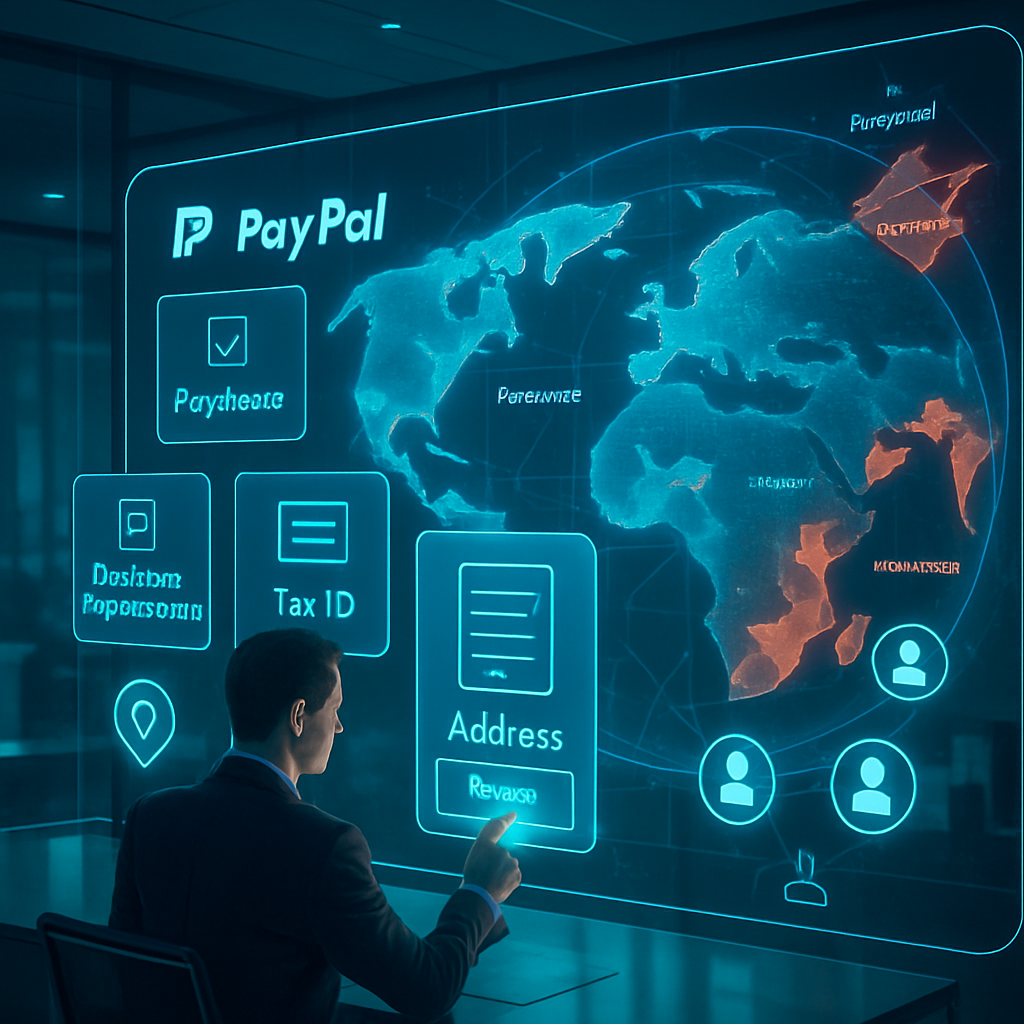
Setting up a verified PayPal account for your international business can be complex without the right guidance. Ensuring accurate documentation and understanding PayPal’s requirements is essential to maintain account integrity and avoid common limitations that disrupt operations. Using a clear process for international PayPal setup helps streamline account approval while adhering to compliance standards.
This guide walks you through the necessary steps to prepare and submit legitimate business documents, navigate regional restrictions, and maintain a strong PayPal trust score for seamless transactions. You’ll learn how to optimize your PayPal business account profile with practical insights on using virtual addresses carefully and managing risks associated with unsupported countries. Let’s explore how to create a compliant, reliable PayPal presence tailored to your global business needs.
Setting up a verified PayPal business account internationally requires thorough knowledge of PayPal’s documentation and verification processes to ensure compliance and reduce account limitations. This guide highlights legitimate strategies for businesses operating from any country.
- Follow step-by-step international setup: Understand each phase from account creation to submitting appropriate business documents tailored to your country.
- Prepare and submit required verification documents: Include valid business registration, tax IDs, and address proofs to meet PayPal’s verification standards.
- Use virtual or alternative addresses carefully: Employ virtual offices or local partners but ensure address legitimacy aligns with PayPal rules to maintain account trust.
- Maintain a strong PayPal trust score: Conduct consistent, transparent transactions and avoid suspicious activities to prevent holds or account limitations.
- Avoid risky shortcuts like buying verified accounts: Such actions violate PayPal policies and expose businesses to potential suspensions and legal risks.
- Explore solutions for unsupported countries: Collaborate with local partners or use compliant virtual addresses while monitoring PayPal policy changes globally.
- Hidden insight—prioritize genuine documentation legitimation: Validating your business identity and address authentically offers the safest long-term account stability rather than bypass tactics.
Next, we’ll delve into detailed document checklists, verification submission tips, and how to optimize your account profile for maximum compliance and minimal disruptions. These guidelines are intended for legitimate business use and compliance with PayPal’s terms; they do not endorse circumventing PayPal policies.
Step-by-Step International PayPal Business Account Setup
Successfully setting up an international PayPal Business Account requires attention to detail from the initial signup through document submission. Begin by selecting your country and specifying your business type accurately to avoid setup delays.
Creating Your PayPal Business Account
To ensure a smooth registration process:
- Choose the correct country selection matching where your business is legally registered, as PayPal uses this for compliance and currency settings.
- Specify your exact business type (sole proprietorship, corporation, LLC, etc.) to match government records and payment processing requirements.
- Enter accurate personal and business contact info, including official business email and phone numbers monitored regularly for communications from PayPal.
These details establish the foundational identity of your account and reduce the chances of review hold-ups.
Completing Initial Profile Information
After account creation, complete your profile with thorough details:
- Select the appropriate business category that best describes your services or products to enable PayPal’s risk assessment algorithms.
- Provide an estimate of your expected transaction volume. Overly low or high volumes can trigger additional verification, so being realistic helps smooth account handling.
- Set business email addresses and phone contacts prioritized for quick response since PayPal often uses these to confirm account activities.
Completing these fields upfront reduces surprises during your account lifecycle.
Submitting Verification Documents Specific to Your Country
Your verification documents must comply with local laws and PayPal’s requirements. Steps to prepare include:
- Identify the exact documents PayPal requires based on your country—commonly business registration certificates, tax identification numbers, and proof of address.
- Use editable document templates tailored to your jurisdiction for formatting compliant files quickly and professionally. These templates maintain required fields, seals, and formats recognized in submissions.
For region-specific templates, explore our business registration templates designed for compliance-ready document preparation. This approach reduces repetition and ensures consistent formatting during resubmissions.
Essential Documents for PayPal Business Account Verification
Gathering and preparing the required documents accurately is critical to avoid verification delays and subsequent account limitations.
Valid Business Registration and Tax Identification
Your uploaded business documents must demonstrate active legal status:
- Confirm your registration certifies your business entity’s existence and is recent enough to satisfy PayPal’s currency requirements. Scanned copies should be clear and unaltered.
- Provide Tax Identification Numbers or VAT codes exactly as assigned by your local authorities so PayPal can link your account to official tax records.
This strengthens your business profile’s legitimacy, helping reduce verification friction.
Proof of Business Address and Contact Details
Verifiable business address confirmation is essential and often comes from third-party documents:
- Use recent utility bills, bank statements, or government-issued letters showing the registered address matching your business profile.
- If original documents are unavailable, editable bank statement templates and utility bill templates, accurately customized, can support address verification efforts by conforming to expected layouts and details.
Ensuring consistent name and address across all documents avoids unnecessary flags.
Supporting Documents for Additional Verification
Occasionally, PayPal may request supplementary evidence during account review:
- Prepare commercial invoices, financial statements, or partnership agreements that clarify your business operations.
- Store digital, editable copies for quick submission if requested, minimizing downtime during disputes or reviews.
Proactive document preparation accelerates issue resolution.
Using Virtual or Alternative Addresses for PayPal Verification
Address verification can be challenging for businesses without a physical storefront. Here are best practices to navigate this:
Understanding Virtual Address Policies for PayPal KYC
PayPal requires verification addresses to represent legitimate physical business locations:
- Only use virtual office addresses backed by physical premises and real mail handling services that can provide verifiable documentation.
- Avoid PO boxes or unverifiable mailbox rental services which PayPal often flags and may cause account holds or added scrutiny.
Compliance with these requirements preserves your account’s standing and usability.
Partnering with Local Influencers or Business Contacts
If business is registered in another country or you lack a physical presence, consider cooperation:
- Work with trusted local partners whose addresses and documents can be lawfully used for business correspondence and verification.
- Ensure all submitted documentation truthfully reflects your arrangement and complies with PayPal’s terms of service to maintain transparency.
For detailed advice on safer verification substitutes, see our guide on using friend’s address for PayPal verification risks.
Maintaining a Strong PayPal Trust Score to Avoid Account Limitations
Building a trustworthy profile encourages uninterrupted account use and fewer reviews by PayPal’s risk systems.
Ensuring Consistent and Transparent Transactions
Practices that help maintain a positive account reputation include:
- Conduct regular transactions matching your business profile’s expected behavior; avoid sudden atypical large payments without clear metadata.
- Respond quickly and thoroughly to any PayPal inquiries, disputes, or chargeback requests to demonstrate operational transparency.
Avoiding Suspicious Activity and Policy Violations
Prevent account complications by:
- Steering clear of risky shortcuts such as purchasing pre-verified accounts or using unregulated third-party services.
- Complying fully with PayPal’s terms of service and local laws to prevent temporary holds, withdrawal limits, or permanent suspensions.
For more on document requirements and account recovery processes, review our PayPal account restoration guide.
Solutions for Unsupported or Restricted Countries
Businesses operating in unsupported countries face additional barriers but can adopt tailored strategies to access PayPal services.
Working with Local Partners for Account Access
One common method includes:
- Partnering with legally compliant entities located in countries where PayPal services are fully supported to manage PayPal business operations.
- Ensuring all relevant business registrations, tax documentation, and operational paperwork accurately correspond to the partner business to satisfy PayPal’s compliance checks.
Using Compliant Virtual Addresses and Monitoring Policy Updates
Another practice involves virtual address solutions:
- Select reputable virtual office providers offering physical premises and valid contact info verifiable by PayPal’s automated systems.
- Continuously monitor PayPal’s global policy changes to adjust your strategies timely, preserving account functionality and compliance.
For practical implementation, see our detailed guide on how to verify PayPal business accounts from unsupported countries.
Legal & Ethical Use
- This guide is intended solely for legitimate business account setup supporting genuine commercial activities and compliance.
- Document templates and virtual address guidance are designed strictly for compliant use, educational demonstrations, or law-abiding mockups.
- Any attempt to misuse these resources to circumvent PayPal’s policies or engage in deceptive practices exposes one to account restrictions and potential legal consequences.
Conclusion
Setting up an international PayPal Business Account calls for meticulous attention to accurate business details, thorough profile completion, and correct submission of essential verification documents tailored to your country’s requirements. Leveraging editable document templates for bank statements, utility bills, and business registrations streamlines document preparation, ensuring consistency, proper formatting, and swift resubmission when necessary.
These measures not only expedite account approval but also promote ongoing trustworthiness by aligning transaction behavior with declared business activity and maintaining transparent, compliant communications. Additionally, understanding the nuances of virtual addresses and partnering with legitimate local contacts can mitigate challenges for businesses without a physical presence or operating in restricted regions.
To sustain efficiency and reduce verification hurdles, prioritize organized document management using customizable templates and remain vigilant about PayPal’s evolving compliance standards. Embracing these best practices empowers businesses to uphold quality and responsiveness in their PayPal operations, setting a foundation for smoother financial interactions as your business expands globally.