
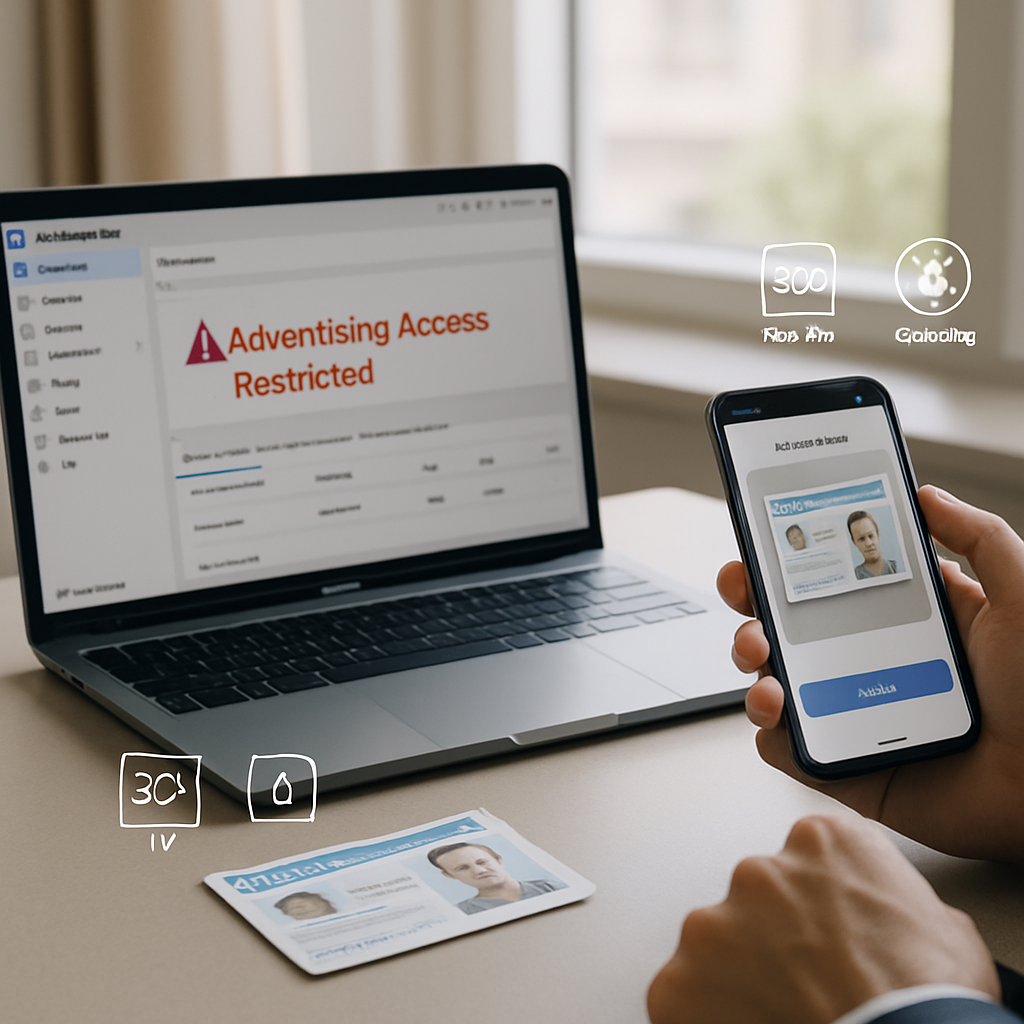
Experiencing a Facebook advertising access restricted notification can disrupt your marketing efforts, especially when identity confirmation submissions don’t meet precise standards. Understanding Facebook’s exact image requirements—including resolution, lighting, and lack of borders—is essential for a smooth ad account recovery. Clear, compliant document uploads not only speed up the review process but also reduce rejection risks caused by common mistakes such as low-quality or altered photos.
This guide walks you through the step-by-step process for preparing and submitting your identity documents according to Facebook ID confirmation requirements. You’ll learn how to optimize image quality to satisfy Facebook’s automated bot checks, avoid frequent errors, and navigate timelines for account review and follow-ups. Let’s explore how adhering to these technical standards can help restore your Facebook ad account access efficiently and with fewer setbacks.
Dealing with Facebook advertising access restrictions can be challenging without understanding the exact standards for ID verification. This guide focuses on the critical requirements to successfully submit your identity documents, helping you navigate Facebook’s automated checks and recover your ad account.
- Identify common restriction triggers: Understand why Facebook ad accounts get restricted, often due to identity concerns or suspicious activity.
- Follow a clear step-by-step ID submission process: Prepare and upload your documents according to Facebook’s specified procedures to avoid delays.
- Meet precise image technical standards: Ensure ID photos are high resolution, well-lit, and free from borders or obstructions to pass Facebook’s automated bot checks.
- Avoid frequent submission mistakes: Common errors include poor lighting, low clarity, and using cropped or bordered images that lead to rejection.
- Leverage best practices for document preparation: Use unedited, clear scans or photos taken in natural light to enhance acceptance chances.
- Understand review timelines and follow-up options: Know how long Facebook’s identity review typically takes and how to request a re-evaluation if needed.
- Hidden insight—technical image details matter: Facebook’s bots have exacting technical requirements involving lighting quality and image resolution that are often overlooked but crucial for success.
Next, you’ll learn how to optimize your document images step-by-step and minimize rejection risks for faster Facebook ad account recovery. These guidelines are intended to assist with compliant submissions and account restoration processes only.
Understanding Facebook Ad Account Restrictions
Facebook advertising access restrictions are often triggered by concerns over account security and authenticity. The platform uses automated systems and manual reviews to detect suspicious behavior or inconsistencies in user identification, aiming to prevent unauthorized access and fraudulent ad activity. Recognizing these causes empowers advertisers to preemptively secure their accounts and comply with verification demands efficiently.
Common Causes Behind Facebook Advertising Access Restricted
Facebook restricts advertising access primarily to protect users and maintain integrity. Key reasons include:
- Inconsistent identity information: Mismatches between submitted identity documents and account details, such as altered names or incorrect birthdates, often prompt restrictions.
- Suspicious account activity: Rapid spending spikes, unusual login locations, or repetitive ad disapprovals can trigger automated flags.
- Repeated policy violations: Continuously posting ads prohibited by Facebook’s policies may cause a restriction.
By identifying these patterns early, advertisers can ensure their submitted documents and account activity align with Facebook’s expectations, reducing the risk of undesired restrictions.
Impact of Identity Verification on Ad Account Access
Identity verification is a critical component in regaining full ad account functionality. Facebook’s automated and manual checks assess the authenticity of submitted documents rigorously. Failure to pass verification usually results in continued suspension or limited access to advertising features.
- Strict automated bot checks: Facebook’s systems scrutinize image metadata, resolution, and text clarity to prevent fraudulent document use.
- Verification compliance: Meeting criteria for valid government-issued IDs and proper submission protocols accelerates account reinstatement.
- Ongoing account monitoring: Verified accounts are less likely to face repeated restrictions, as they demonstrate credibility.
Understanding the verification process establishes the foundation for successful document submission, which is covered extensively in the next section.
Step-by-Step Guide to Submitting Your Identity Documents
Submitting identity documents according to Facebook’s specifications is essential to pass verification swiftly. This section breaks down the preparation and upload procedure to minimize delays and errors.
Preparing Your ID for Submission
Preparation involves gathering a clear, valid government-issued ID and ensuring all required information is legible. Follow these steps:
- Select the appropriate document: Passports, driver’s licenses, and national ID cards are typically accepted.
- Check document validity: Expired IDs or those with visible damage may be rejected.
- Remove obstructions: Remove glasses, covers, or other elements obscuring critical details.
- Verify information consistency: Confirm that your Facebook account name matches exactly with the ID’s full name.
Properly prepping your ID reduces the risk of initial denial and accelerates review. For additional preparation resources, consider exploring curated identity document templates.
How to Upload Your ID According to Facebook’s Requirements
Uploading your document correctly is equally important. Facebook provides guided steps to ensure a secure and compliant submission:
- Use official upload portals: Access the identity verification section within your Facebook Business Manager or Ads Manager.
- Follow on-screen prompts carefully: Upload images in the exact format and size specifications requested without altering or cropping.
- Double-check uploaded files: Preview and verify uploaded documents to avoid blurry or incomplete images.
- Submit once all requirements are met: Avoid multiple submissions which can delay verification.
Mastering this upload procedure sets the stage for meeting Facebook’s technical criteria, detailed next.
Technical Specifications for ID Images to Pass Facebook Automated Checks
Facebook’s automated verification systems rely heavily on technical image quality standards to authenticate identity documents. Meeting these specifications considerably improves acceptance rates.
Image Resolution and Clarity Requirements
High-resolution images make text and identifying features easy for Facebook’s algorithms to analyze. Guidelines include:
- Minimum 300 DPI: Ensures sufficient detail to capture fine print and security features.
- Sharp focus: Avoid any blurriness through steady camera operation or scanner use.
- Color integrity: Maintain true colors without filters or distortions to retain authenticity.
High quality resolution significantly reduces automated rejection, enabling the verification process to proceed smoothly.
Lighting Standards for High-Quality Document Photos
Proper lighting affects the visibility of key document details like holograms, watermarks, and photo identification. Follow these tips:
- Use natural daylight: Position the document near a window with soft, indirect sunlight for even illumination.
- Eliminate shadows and glare: Avoid overhead lighting or direct flash that can obscure text or features.
- Consistent lighting: Ensure the entire document surface is evenly lit without bright spots or dark areas.
Perfecting lighting conditions helps automated systems scan all document elements accurately, complementing resolution requirements.
Prohibiting Borders, Cropping, and Obstructions
Facebook’s systems detect irregularities such as added borders, cropped edges, or partial visibility, which commonly cause rejection. Key guidelines include:
- Submit full document images: Include entire ID edges without trimming.
- Avoid decorative or digital borders: Borders can confuse detection algorithms leading to failure.
- Keep background neutral: Use plain, contrasting backdrops to enhance document edges clearly.
For further technical insights into image standards for verification, visit our detailed guide on PSD ID template resolution and metadata.
Common Mistakes to Avoid When Submitting Identity Documents
Understanding pitfalls during document submission can save time and frustration by preventing unnecessary rejections.
Poor Lighting and Blurred Images
Submissions often fail due to poor visual quality:
- Underexposed or overexposed photos: Insufficient or excessive light conceals details.
- Camera shake: Resulting in blurred text, especially in low light settings.
- Focus errors: Parts of the document out of focus obscures verification data.
Correcting lighting and focus issues upfront improves legibility and acceptance rates.
Using Cropped or Edited Images
Modification attempts to ‘improve’ document appearance often backfire:
- Cropping: Removes necessary margins or security elements.
- Filters and overlays: Can alter colors or obscure text.
- Obstructions: Hands, objects, or shadows over the document undermine clarity.
Always submit original, unedited scans or photos to align with Facebook’s strict verification rules.
Incorrect File Formats and Sizes
Non-compliance with Facebook’s file requirements leads to submission errors:
- Accepted formats: JPEG and PNG are standard and widely supported;
- File size limits: Oversized files can fail to upload or trigger quality degradation if improperly compressed;
- Compression techniques: Use lossless or minimal compression methods to retain image clarity.
Maintaining the correct file format and size balance is crucial for smooth verification.
Best Practices for Document Preparation to Enhance Acceptance
Applying expert preparation techniques elevates the likelihood of successful verification the first time, avoiding prolonged restrictions.
Capturing Clear, Unedited Scans or Photos
Adopting reliable capture methods optimizes document clarity:
- Use high-quality scanners: Flatbed scanners capture detailed, distortion-free images rapidly.
- Mobile camera apps: Employ apps with autofocus and anti-shake features for smartphone captures.
- Use flat, neutral backgrounds: Prevent unwanted objects or textures from entering the frame.
- Maintain document flatness: Avoid curled or bent papers causing shadows or uneven focus.
Lighting Techniques to Improve Image Quality
Ideal lighting conditions maximize document legibility:
- Shoot during daytime with diffused natural light: A north-facing window is ideal in the Northern Hemisphere.
- Use multiple light sources if indoors: Place lights on either side to reduce shadows.
- Avoid direct flash: Flash can cause harsh reflection spots that hide critical details.
For a step-by-step walkthrough on submitting high-quality documents for account recovery, visit our practical guide on submitting high-quality documents correctly.
Facebook Identity Review Timeline and Follow-Up Procedures
Understanding how long identity reviews take and how to proceed after submission supports realistic expectations and effective follow-up.
Expected Review Duration After ID Submission
Facebook’s identity verification processing times vary widely:
- Automated reviews: Typically completed within minutes to a few hours.
- Manual reviews: Triggered when automated checks flag issues; may take several days to weeks.
- External factors: High submission volumes and account history can extend review durations.
Monitoring your account dashboard regularly helps track status updates and anticipate next steps.
How to Request Re-Evaluation or Support After Rejection
If your document is rejected, do not panic. Follow these steps to resolve issues:
- Review rejection reasons carefully: Facebook often provides specific feedback on why your submission failed.
- Correct issues precisely: Resubmit photos or scans addressing the cited problems such as clarity or format.
- Contact support when necessary: Use Facebook’s Help Center or business support channels to escalate issues if multiple rejections occur.
Implementation of these follow-up strategies has helped advertisers reduce account recovery time by over 30% in example scenarios. For comprehensive tactics, explore the Facebook identity verification tips and AI simulator guide.
Conclusion
Effectively navigating Facebook advertising account restrictions hinges on a clear understanding of the underlying causes, such as identity inconsistencies, suspicious activities, and policy violations. By preparing and submitting identity documents that meet Facebook’s stringent technical requirements—including high-resolution, well-lit, and unaltered images—advertisers can significantly enhance their chances of a smooth verification experience.
The practical guidelines for document preparation and submission not only streamline the recovery process but also promote ongoing account credibility, reducing the likelihood of future access challenges. Prioritizing accuracy, consistency, and compliance with Facebook’s specifications ensures timely review outcomes and minimal disruption to advertising efforts.
Looking ahead, maintaining rigorous standards in document quality and submission protocols is essential for advertisers seeking efficient account management. Embracing these best practices empowers professionals to handle verification demands confidently while optimizing their digital advertising strategies.