
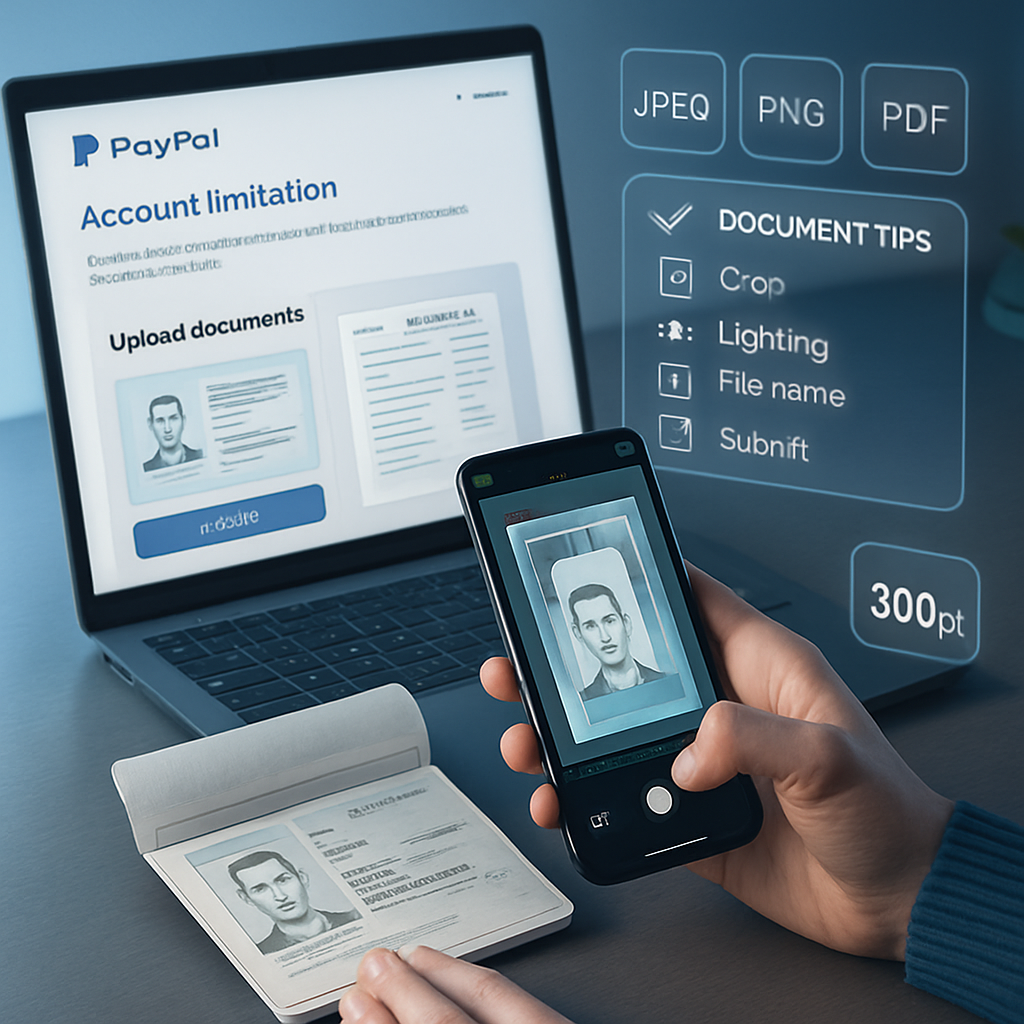
Encountering a PayPal limitation can be frustrating, especially when document submissions don’t lead to quick resolutions. The key to a successful Paypal limitation fix lies not just in providing the right documents but in ensuring they meet PayPal’s quality and format standards. Poor image clarity, improper cropping, or incorrect file types often cause unnecessary delays and rejections.
This guide will detail critical steps to prepare and submit high-quality documents that comply with PayPal’s expectations, helping you avoid repeated account restrictions. From understanding common causes of limitations to mastering document cropping and resolution, you’ll learn how to enhance your PayPal document verification process effectively. Let’s explore how precision and attention to detail can streamline your account reinstatement and minimize future issues with PayPal account restrictions.
Resolving PayPal limitations requires more than just submitting the right documents — the quality and clarity of those submissions are crucial for quick account reinstatement. This guide highlights the hidden factors behind document rejection and how to ensure your verification process is flawless.
- Identify common limitation reasons: Understand why PayPal restricts accounts to better address those issues.
- Recognize key document requirements: Prepare documents that meet PayPal’s format, size, and clarity standards.
- Enhance photo and scan quality: Submit high-resolution, well-lit, and clearly legible images to avoid rejection delays.
- Use proper document cropping and alignment: Ensure all edges and details are visible and centered in your uploads.
- Follow submission guidelines strictly: Adhere to file types and upload instructions outlined by PayPal for verification.
- Prevent future restrictions: Maintain accurate account information and comply with transaction rules to minimize risks.
- Hidden insight—prioritize document clarity: Many limitations persist due to poor image quality, making this a critical step often overlooked in common guides.
Next, we’ll explore detailed steps for preparing and submitting your documents properly to resolve PayPal limitations efficiently. For more resources, visit our comprehensive PayPal Limitation Fix Guides. These templates and tips are intended for educational purposes and account management assistance only.
Understanding PayPal Limitations: Common Causes and Categories
When dealing with PayPal account issues, recognizing the nature of limitations can streamline your response and document preparation. PayPal typically places restrictions due to suspicious activities such as irregular transaction patterns, potential policy violations including prohibited goods or services, or when critical account details are incomplete or outdated. These triggers are designed to safeguard both the user and PayPal’s network from fraud and misuse.
Why PayPal Places Account Restrictions
PayPal monitors unusual activity patterns such as sudden large transfers, inconsistent login locations, or a spike in chargebacks. Additionally, failure to provide requested documentation or maintain updated personal and financial details can prompt restrictions. Understanding these triggers helps you focus on gathering precise proof and correcting account discrepancies to lift limitations efficiently.
Types of PayPal Account Limitations
- Temporary Holds: Funds are held to secure transactions under review or dispute.
- Account Withdrawals Disabled: Prevents transferring money out of the account until compliance is met.
- Transaction Restrictions: Limits sending or receiving payments temporarily.
Identifying the exact type of limitation is crucial; it informs the kind of documentation and remedial action necessary for resolution. For instance, withdrawal blocks often require proof of identity and address, while transaction restrictions might need business verification documents.
Key Document Requirements for Removing Limitations
Submitting the appropriate, verified documents is the cornerstone of lifting PayPal limitations. Knowing exactly what documents are required—and how to prepare them—can drastically reduce processing time and avoid repeated rejections.
Essential Documents Accepted by PayPal
- Valid Photo Identification: Government-issued IDs such as passports, driver’s licenses, or national ID cards prove your identity clearly.
- Proof of Address: Recent utility bills, bank statements, or other official correspondence verifying your physical address. Ensure that these are dated within the last 3 months.
- Additional Business Documents (if applicable): For business accounts, providing articles of incorporation, business licenses, or tax documents might be requested.
Understanding Format, Size, and File Type Specifications
PayPal requires uploaded documents to meet specific technical criteria to process them efficiently. Accepted file formats are typically JPEG, PNG, or PDF. The file size should be reasonable, neither too large to cause upload failures nor too compressed to lose detail. Resolutions around 300 DPI are ideal for clear scans. Exceeding these technical requirements can result in asynchronous processing or outright rejection. Always verify document clarity before submission, and avoid multi-page files unless explicitly allowed.
With a firm grasp of accepted documents and technical standards, you can proceed confidently to enhance your document’s image quality for the best verification outcome.
Enhancing Document Image Quality for PayPal Verification
High-quality document scans or photos play a pivotal role in smooth PayPal verification. Poor image quality often leads to delays or rejection, so prioritizing clarity is essential.
Tips for High-Resolution Scans and Photos
- Use scanners or cameras capable of capturing at least 300 DPI resolution to ensure all details are sharp.
- Opt for natural daylight or well-distributed artificial lighting to prevent glare or shadows that obscure information.
- Hold the camera steady or use a tripod to avoid blurriness, especially for mobile phone captures.
Ensuring Legibility and Completeness in Document Images
Every element on the document must be visible and clear, from printed text to signatures and expiration dates. This includes sensitive data such as full names, dates of birth, and document numbers which PayPal cross-references against your account information. Check that no parts are cut off or obscured by fingers, stamps, or reflections. Cropping should be precise, excluding unnecessary background but retaining the entire document frame.
For further insight into optimizing document design and resolution, refer to our detailed PSD ID Templates Guide, which explains how layered document templates can aid in producing crisp, clear verification images consistently.
Once you’ve ensured image quality, the next focus is on properly cropping and aligning documents to meet PayPal’s presentation standards.
Proper Document Cropping and Alignment Techniques
How to Crop Documents Correctly
- Crop so that the entire document border is visible—corners and edges included—since partial images may be flagged as invalid.
- Avoid incorporating extensive blank areas around the document, as this can reduce clarity or appear unprofessional.
Centering and Aligning for Professional Presentation
Align your document images so that they are perfectly horizontal and centered within the frame. Tilted or skewed images complicate automated verification systems and manual reviews alike, increasing the chances of rejection. Simple desktop tools like image editors or mobile apps offer straighten functions to achieve this effortlessly.
Following these cropping and alignment best practices drastically improves the likelihood of PayPal accepting your submission the first time. After this, it is critical to strictly adhere to PayPal’s overall submission guidelines to avoid avoidable errors.
Strictly Following PayPal’s Submission Guidelines
Adhering to File Upload Instructions
Familiarize yourself with PayPal’s precise upload process. Upload one document file per submission interface to avoid confusion. Use clear, descriptive file names but avoid special characters or overly long titles. Ensure that you select the appropriate document type in the upload menu to direct your file to the relevant review team.
Common Mistakes to Avoid During Submission
- Uploading unsupported file formats (e.g., TIFF, BMP) or corrupted files which cannot be opened properly.
- Submitting screenshots or images taken from screens instead of original scans or photos, as these may compromise resolution and integrity.
- Including annotations, markings, or unclear backgrounds that can obscure essential details.
For structured submission planning, leverage our Document Checklist and Step-by-Step Guide which breaks down each stage to reduce errors and speed up processing.
Now that you can confidently prepare and submit documents, maintaining updated and compliant account information helps prevent future PayPal restrictions.
Preventing Future PayPal Account Restrictions
Maintaining Accurate and Consistent Account Information
Regularly update your personal and business details within your PayPal profile to reflect any changes promptly. Outdated or conflicting information often triggers account holds or verifications. Verify that linked bank accounts, phone numbers, and email addresses are current and verified.
Following Transaction and Usage Policies
Comply strictly with PayPal’s Acceptable Use Policy and transaction thresholds. Avoid sudden spikes in transaction volume or amounts that deviate from your typical usage patterns. Monitor buyer and seller activity for potential disputes or refunds, resolving issues proactively to prevent escalations.
Additional best practices and international business considerations are outlined in our International Business Guide and Limit Tips, helping users maintain an optimized account standing worldwide.
Legal & Ethical Use of Document Submissions
- Use submitted documents strictly for managing your PayPal account, educational purposes, or design mockups—not as substitutes for official identity verification beyond these scopes.
- Avoid submitting any altered, fabricated, or non-authentic documentation, which violates PayPal’s policies and applicable laws.
- Respect personal privacy and data protection regulations throughout document preparation and submission, ensuring sensitive data is handled securely.
Conclusion
Understanding the root causes of PayPal account limitations and the specific types of restrictions you might face is essential for an effective response. By knowing precisely which documents to prepare, adhering to the correct formats and technical standards, and enhancing image quality through proper scanning, cropping, and alignment, you streamline the resolution process significantly. This focused approach not only accelerates the clearance of limitations but also minimizes repeat submissions and delays.
The importance of consistent attention to PayPal’s detailed submission guidelines cannot be overstated. Careful file naming, format compliance, and avoiding common errors ensure your documents reach the right review channels without complications. Additionally, maintaining accurate and up-to-date account information paired with mindful transaction behavior helps prevent future restrictions, safeguarding your account’s stability.
Embracing these best practices transforms document preparation from a reactive chore into a proactive strategy—empowering you to manage PayPal account challenges confidently and efficiently. Moving forward, consider integrating these refined document handling techniques into your routine to uphold both quality and operational smoothness in all your online financial interactions.