
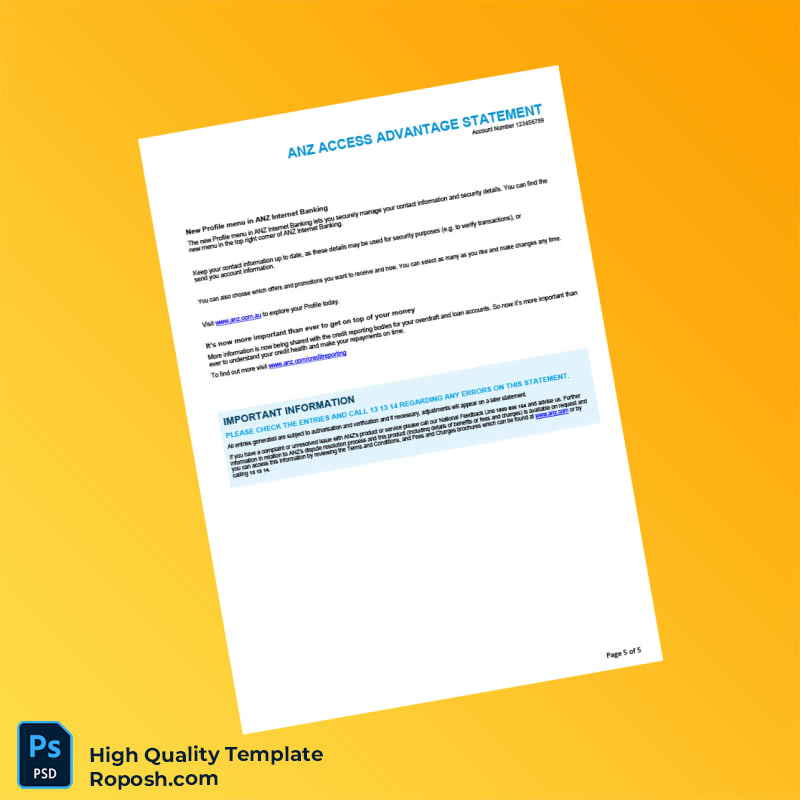


The Design Context
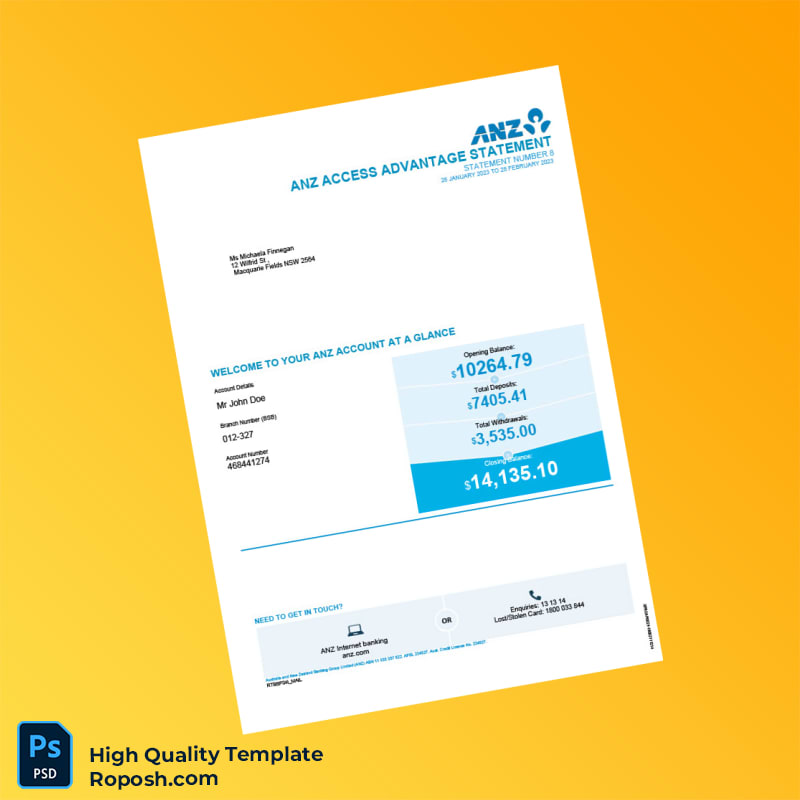
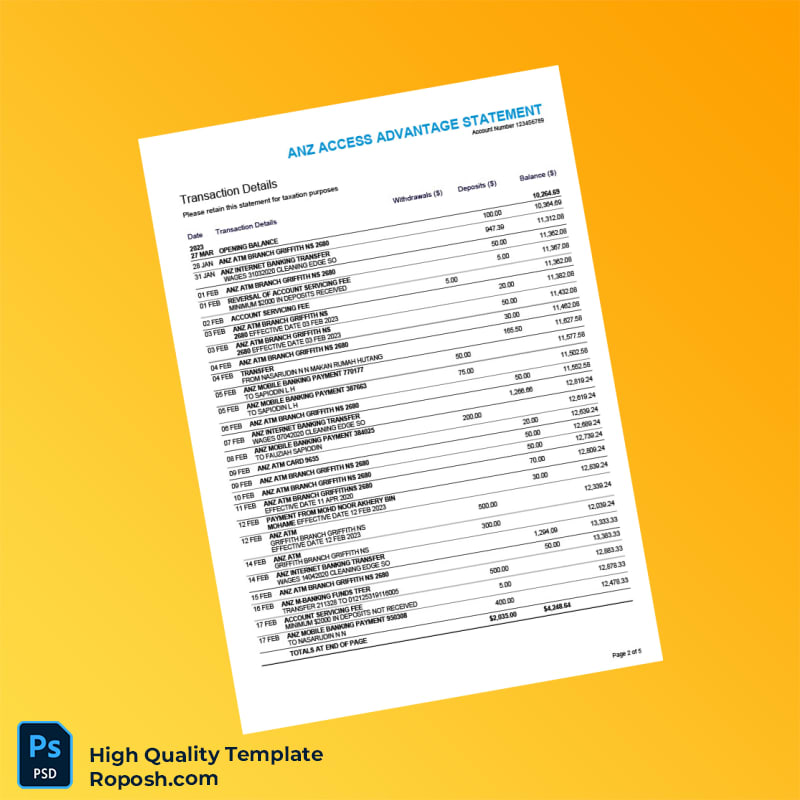
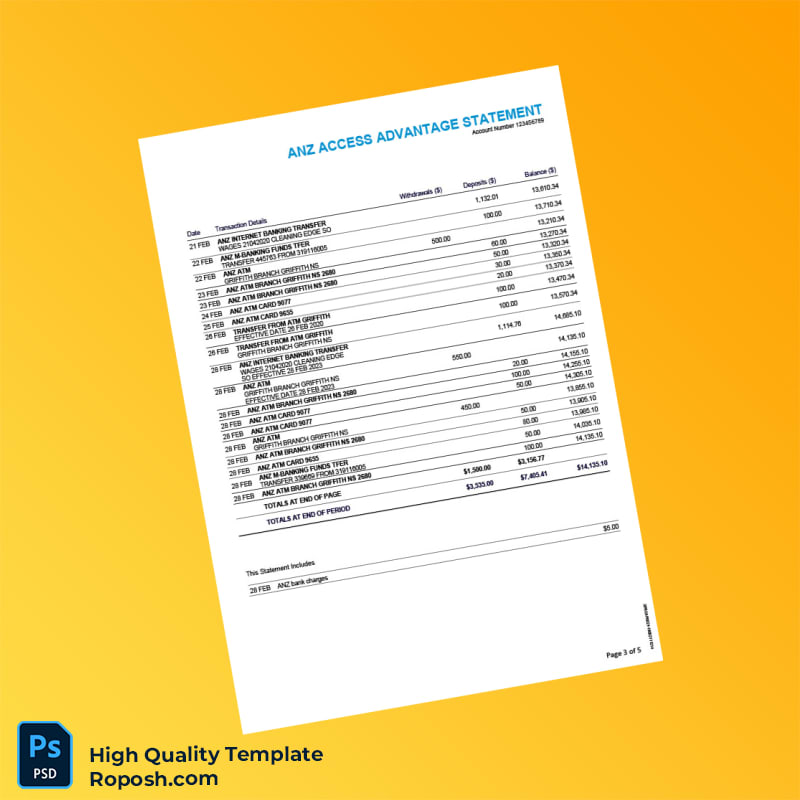
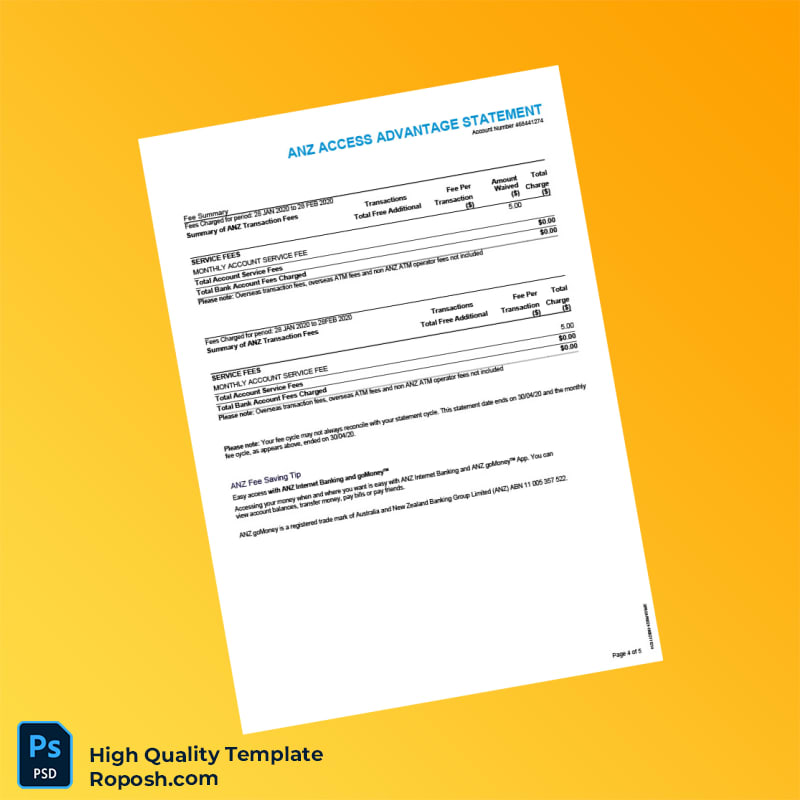
In professional graphic design and print production, access to high-fidelity templates is critical for achieving polished portfolios, educational demonstrations, and superior client mockups. Designers and print operators require layouts that maintain pixel-perfect precision for visual impact and accuracy. The Australia ANZ Bank Statement Template is meticulously crafted to meet these demands by offering a detailed and reliable asset suitable for a broad spectrum of applications where clarity and detail are paramount. High-quality templates reduce iteration time and elevate design authenticity in both digital and print contexts.
Addressing Layout & Font Challenges
One common challenge when working with bank statement templates is mismatched font styles and blurry text borders, which compromise the overall integrity of the design. This template comprehensively solves these issues by incorporating exact font matching aligned with the original document standards. Moreover, the template benefits from a perfectly organized layer structure that separates text, backgrounds, and graphical elements for straightforward editing. This organization minimizes user error and helps preserve the crispness of text, especially important for fields such as account numbers and transaction details. For an in-depth overview of design considerations related to text clarity in printed documents, review our guide on OCR-friendly Design.
Technical Specifications Deep Dive
The template is designed with professional printing standards in mind, featuring 300 DPI resolution in CMYK color mode to ensure precise ink reproduction and vivid color fidelity on physical stock. Vector layers and perfectly aligned shape paths allow for unlimited scaling without loss of quality, ideal for detailed zoom-ins or retouching. Smart Object layers streamline text and image edits while preserving original linkages, reducing file corruption risk. These specifications contribute to sharp, clean borders and readability, vital for bank statement fields such as transaction tables and official headings. For complementary document needs, consider expanding your asset library with this editable utility bill PSD that matches high-resolution design requirements.
Editing Workflow & Customization
To modify text layers, open the template in Adobe Photoshop or Microsoft Word based on your preference. The template includes clearly labeled layers—such as Account Details, Transaction List, and Client Information—that users can directly select and edit. Parsing data fields like MRZ codes or barcodes require careful maintenance of structural integrity to preserve alignment and edge sharpness; these elements are designed on separate vector layers enabling direct substitution without rasterizing. Images such as bank logos can be replaced via Smart Object insertion, preserving layer effects and resolution. For enhancing your document collection, the customizable bank statement template offers an excellent addition.
Exporting & Printing Best Practices
When preparing the final files, exporting should be performed using PDF presets optimized for print, maintaining CMYK color profiles and embedded fonts. PNG exports are suited to digital presentations requiring transparency and lossless color. For physical mockups, select premium, smooth matte paper stocks that prevent glare and highlight print resolution. Consider using calibrated printers to preserve color accuracy and vector-sharp text borders. To finalize your design set, review the high-resolution bank statement template tailored for Sri Lankan financial documents.




Reviews
There are no reviews yet.