
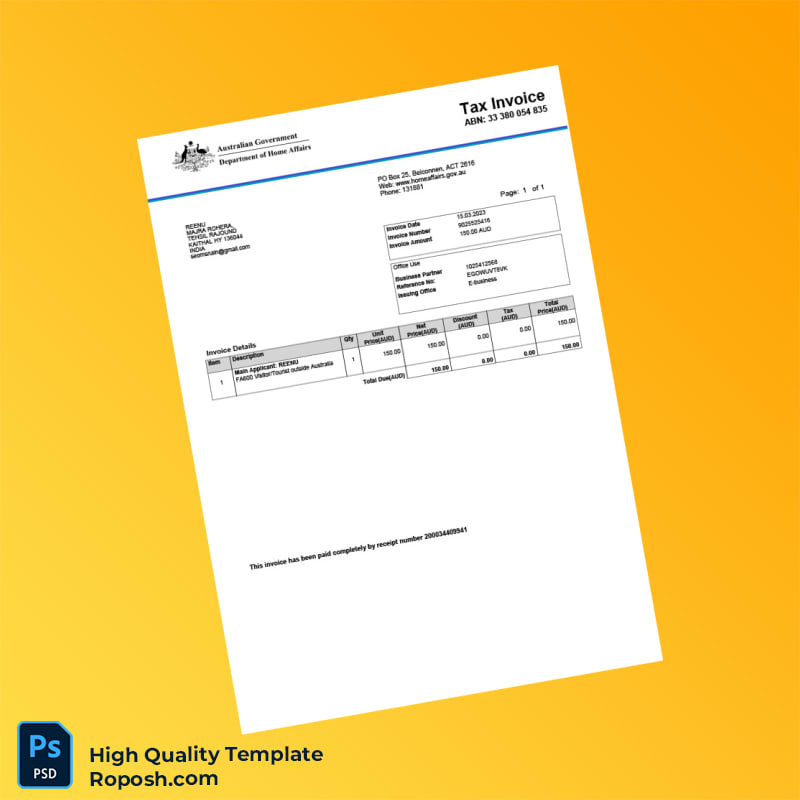


The Design Context
In contemporary graphic design and professional documentation, high-fidelity editable invoice templates are indispensable assets. They serve not only in business communications but also enhance the quality of design portfolios, educational presentations, and print or digital mockups. Finding truly pixel-perfect and layout-accurate templates remains a challenge for creatives and print professionals alike. The Australia Invoice Template in Word and PDF formats addresses this by offering a meticulously crafted solution that blends design precision with print-ready fidelity. This ensures that whether for client presentations or live production environments, every detail is visualized with clarity and exactness without compromising on flexibility or editability.
Addressing Layout & Font Challenges
One common issue in editable invoice templates is the inconsistency caused by mismatched fonts or unclear text borders, which diminishes both professionalism and print reliability. This template resolves such challenges through embedded exact font matching and vector-sharp text borders to maintain crispness at all zoom levels or print sizes. The layered file structure is systematically organized, enabling users to access and modify specific elements without affecting the holistic design integrity. For those seeking to understand the importance of design systematization further, we recommend reviewing our guide on OCR-friendly Design which complements this approach by outlining foundational document structure best practices.
Technical Specifications Deep Dive
Technically, this invoice template is engineered to meet professional print and digital standards. It is prepared at a minimum resolution of 300 DPI, ensuring crystal-clear print output without pixelation. The color mode is set to CMYK, suitable for offset printing and high-fidelity color reproduction, while maintaining RGB compatibility for digital use. The inclusion of vector shape layers means all graphical elements retain their sharpness regardless of scaling. Smart Object layers enhance the user experience by allowing embedded elements to be edited independently, preserving the file’s structural layers. This guarantees seamless updates to graphical or textual components without unintended distortion.
To complement your projects, consider adding the Editable Utility Bill PSD, which pairs well to provide comprehensive document design resources.
Editing Workflow & Customization
Editing the invoice template is straightforward for both Photoshop and Word users. Text layers are clearly labeled, enabling precise modification of client information, invoice details, and numeric fields. Photos or logos can be replaced using Smart Object placeholders, ensuring that the original scaling and positioning remain intact. Particular attention is given to fields such as MRZ or barcode layers; these maintain their structural integrity through locked vector paths and adaptive layouts. This ensures that the compliance and design accuracy are preserved during customization.
For designers expanding their editable asset collections, the Editable Medical Registration Receipt Template is an excellent addition for diverse project requirements.
Exporting & Printing Best Practices
When finalizing your invoice, exporting to PDF is recommended to retain vector paths, text sharpness, and color fidelity. For mockups, exporting to high-resolution PNG offers a versatile raster format suitable for digital presentations. Print professionals are advised to use matte or semi-matte paper stocks to reduce glare and enhance the visual appeal of the printed invoices. Ensuring the paper weight supports detailed graphics will further authenticate the professional finish.
To complete your resource library, explore the Editable Corporate Invoice Template for more specialized invoice documents.




Reviews
There are no reviews yet.