


The Design Context
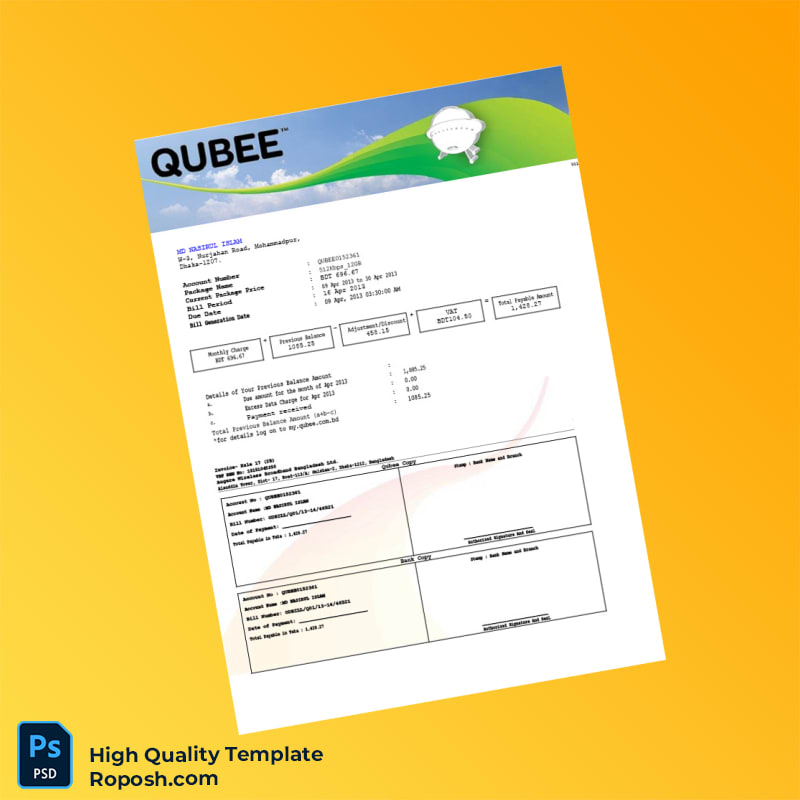
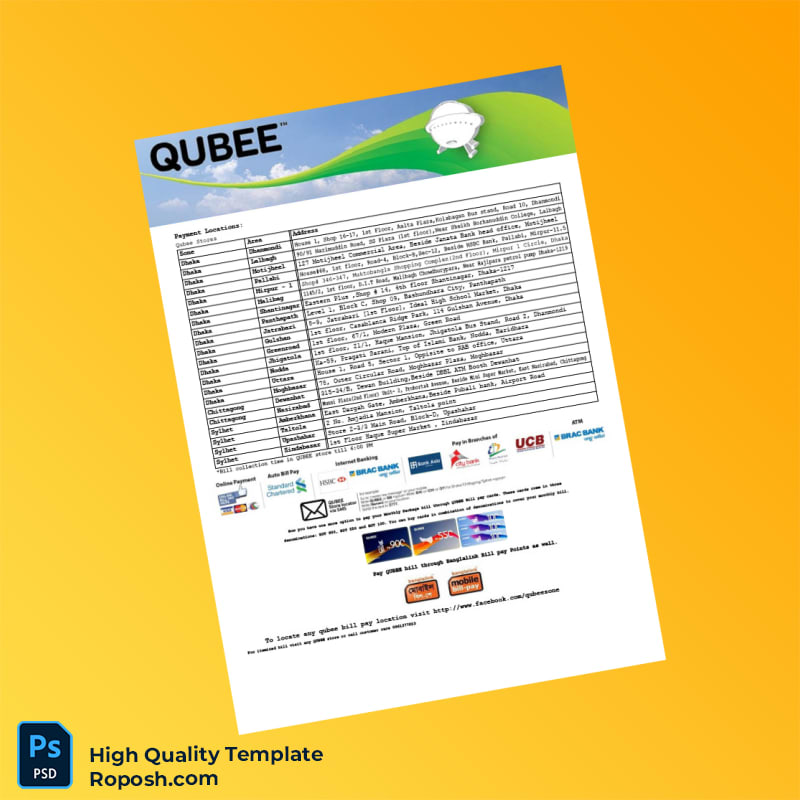
In professional design workflows, especially when developing portfolios, conducting educational projects, or creating realistic mockups, the fidelity of templates plays a crucial role. The Bangladesh Qubee Editable Utility Bill Template stands as a benchmark for quality and accuracy, addressing common challenges designers face when sourcing pixel-perfect layouts. The precise arrangement of elements guarantees vector-sharp text borders and a clean standardized format that mirrors authentic utility bills. This accuracy is vital for designers, print operators, and professionals requiring high-fidelity assets to showcase or simulate real-world documentation.
By working with such exact design templates, users significantly minimize post-production errors related to font mismatches and layout inconsistencies, thereby streamlining workflows and improving the overall quality of their output.
Addressing Layout & Font Challenges
One of the prevailing issues in editable templates is inconsistent font rendering and blurry edges, particularly when altering text fields or resizing elements. This Bangladesh Qubee template overcomes these limitations with exact font matching based on licensed, high-quality font embeds. The template also boasts a meticulously organized layer framework, allowing users to isolate, modify, or lock components without affecting adjacent layers. This thoughtful organization ensures that text layers maintain vector integrity and image placeholders remain perfectly aligned.
To deepen your understanding of maintaining OCR-friendly layouts and managing font consistency in editable templates, review our guide on OCR-friendly Design. This resource provides expert insights into resolution, font handling, and metadata optimization essential for high-quality digital and print products.
Technical Specifications Deep Dive
The Bangladesh Qubee Utility Bill Template is constructed with technical precision to meet the highest standards expected in print-ready documentation. The native resolution is set to 300 DPI, widely regarded as the professional threshold for sharp print outputs. The template supports CMYK color mode for flawless color reproduction on physical media while offering RGB versions suitable for digital display.
The design leverages Smart Object layers, a vital feature that enables users to replace graphical elements without compromising overall design integrity or vector sharpness. In addition, vector shape layers are implemented for text and lines, ensuring that resizing and adjustments keep edges crisp and well-defined. This approach results in a flawless border and margin alignment, critical for printing precise utility bills.
For a complementary asset that integrates well within your workflow, consider exploring the Editable Utility Bill PSD. Its design philosophy aligns with strict print and edit standards, making it a valuable addition to related projects.
Editing Workflow & Customization
Modifying the Bangladesh Qubee Utility Bill Template is designed to be intuitive and secure to preserve its structural correctness. Start by opening the Word or PDF file within compatible editors. Text layers are fully editable with placeholder overrides that maintain vector sharpness throughout. When working in Photoshop, open Smart Object layers to replace visual elements such as logos or stamps without degrading quality.
Special attention is required for fields like Machine Readable Zones (MRZ) or barcodes as these layers follow a specific format structure. Avoid manual pixel edits; instead, swap these fields with preformatted objects included within the template to maintain the correct MRZ layer structure.
To further expand your editable document collection, integrate the Editable Balance Sheet Template. This asset complements the utility bill template by offering additional document editing versatility, perfect for professional presentations.
Exporting & Printing Best Practices
For optimal output, export the edited template as PDF using lossless compression settings to preserve vector data and font embedding. When creating physical mockups, select coated paper with a finish that enhances color vibrancy and crispness, such as matte or semi-gloss. Avoid low-quality paper stocks to maintain the integrity of standardized layout dimensions and vector-sharp text borders.
If a raster export is required, ensure output at minimum 300 DPI at 100% scale to prevent any loss of detail. For final project polish and expanded collection options, explore the High Resolution Utility Bill Template which provides additional locale-specific utility bill designs with matching precision standards.




Reviews
There are no reviews yet.