



The Design Context for High-Fidelity Bank Statements
In the professional landscape of design portfolios, educational presentations, and mockup projects, the accuracy of document templates is paramount. Particularly for bank account statements, designers and print operators require pixel-perfect layouts that convey authentic and precise data representation. This template addresses those needs by providing a high-resolution, carefully structured asset that eliminates common pitfalls such as blurry borders, misaligned elements, and typographic inconsistencies. Whether for a client presentation or detailed project mockup, ensuring quality and accuracy in these documents is essential for maintaining credibility and enhancing portfolio impact.
Addressing Layout and Font Challenges with Precision
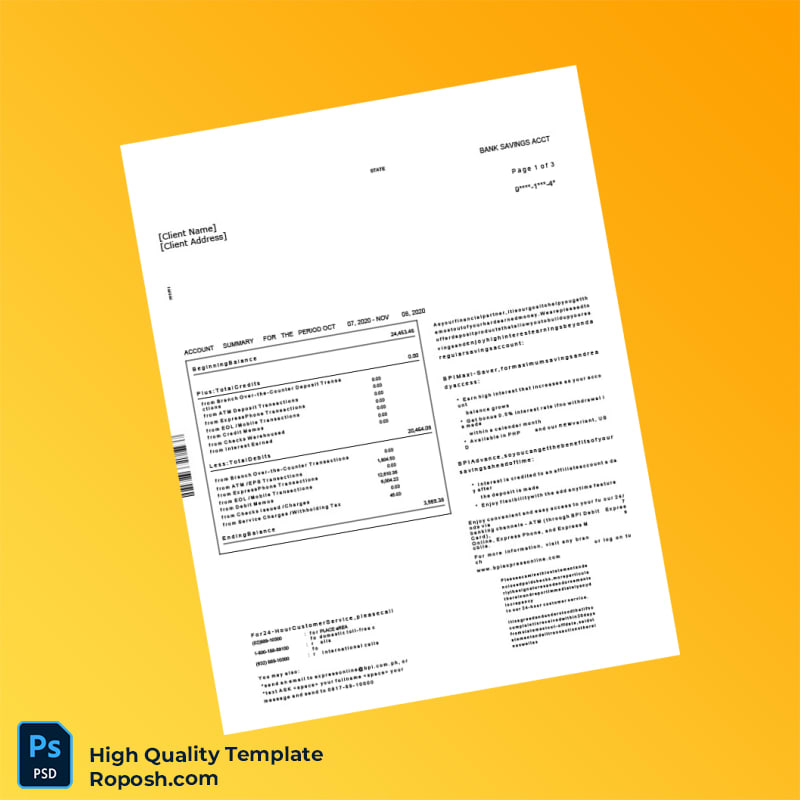
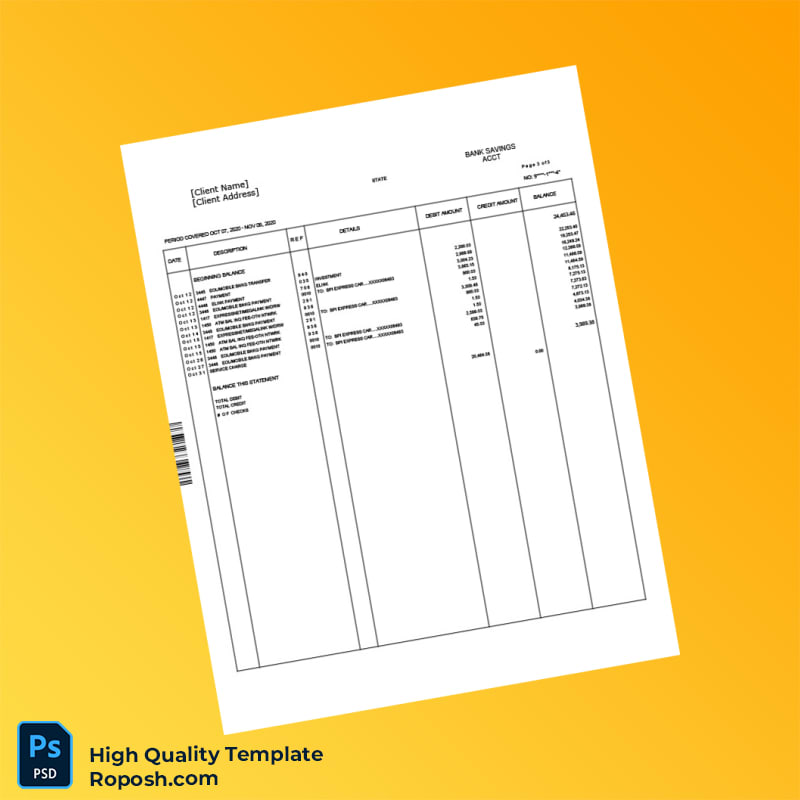
One of the predominant challenges in designing bank account statements is ensuring the textual content is both crisp and aligned precisely with regulatory document standards. This 4-page Bank Account Statement Template resolves typical design issues by offering exact font matching and vector-sharp text borders throughout. The layout utilizes a standardized dimension grid that guarantees consistent margins and appropriate spacing for all transaction detail sections. Additionally, the file includes a cleanly organized layer structure, segmented by content types such as headers, transaction details, and footers, simplifying the customization process. For further insights on optimizing document design, see Review our guide on OCR-friendly Design.
Technical Specifications Deep Dive
This Bank Account Statement Template is crafted at a 300 DPI resolution, ensuring print-ready sharpness that industry standards demand. The color mode is CMYK, which is essential for accurate color reproduction in professional printing processes. The template contains fully vectorized layers enabling infinite scalability without any loss of clarity, crucial for details like micro-text or fine line patterns. Embedded Smart Objects facilitate easy editing and maintain the integrity of complex elements such as logos or barcodes; edits performed within these Smart Objects automatically update the main canvas without degrading quality. This structure is vital for maintaining standardized layout dimensions and avoiding pixelation issues during export. To complement your project, consider enhancing your asset library with this Editable Utility Bill PSD, which offers consistent design language for multi-document presentations.
Editing Workflow and Customization Guide
Editing this template is streamlined for both Word and Photoshop users. Text layers are organized by section and use system or embedded fonts that mimic authentic bank statement typography; replacing these with suggested fonts maintains document fidelity. To replace photos or logo placeholders, double-click the embedded Smart Object; update the content and save, which automatically reflects the change in the main document. Special attention is paid to fields requiring specific structure, such as barcode or MRZ layers. These are grouped with locked elements to preserve vector-sharp borders and prevent unintended distortions. When modifying these, ensure that proportions and layer hierarchy remain intact to maintain document precision. Expand your document library efficiently by integrating this Advanced Bank Statement Template PSD for related corporate design needs.
Exporting and Printing Best Practices
For exporting, utilize PDF or PNG formats to preserve the vector clarity of text and graphical elements. When saving PDFs, enable “Preserve Vector Data” and disable compression to retain crisp detail. For physical mockups, select matte or semi-gloss 120-160 gsm paper to replicate the professional feel of bank documents while reducing glare. Printer calibration is recommended to accurately reproduce CMYK colors and maintain the precise layered hues defined in the template. Cluster your finalized presentation by adding finishing touches from the complementary Professional Multi-Page Bank Statement PDF to complete your design collection.




Reviews
There are no reviews yet.