


The Design Context
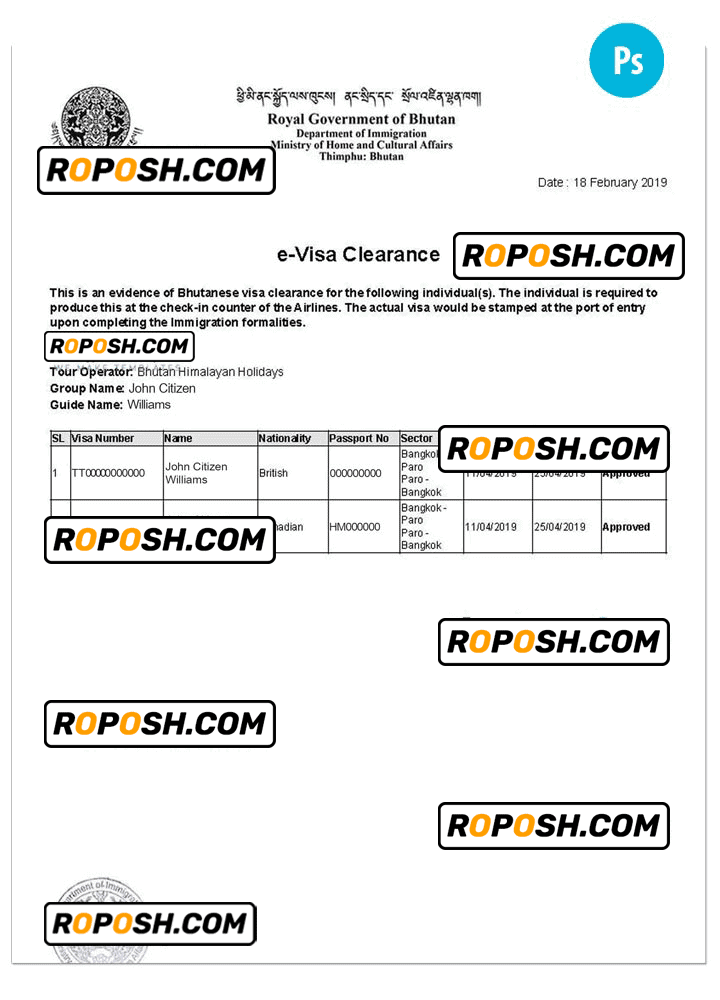
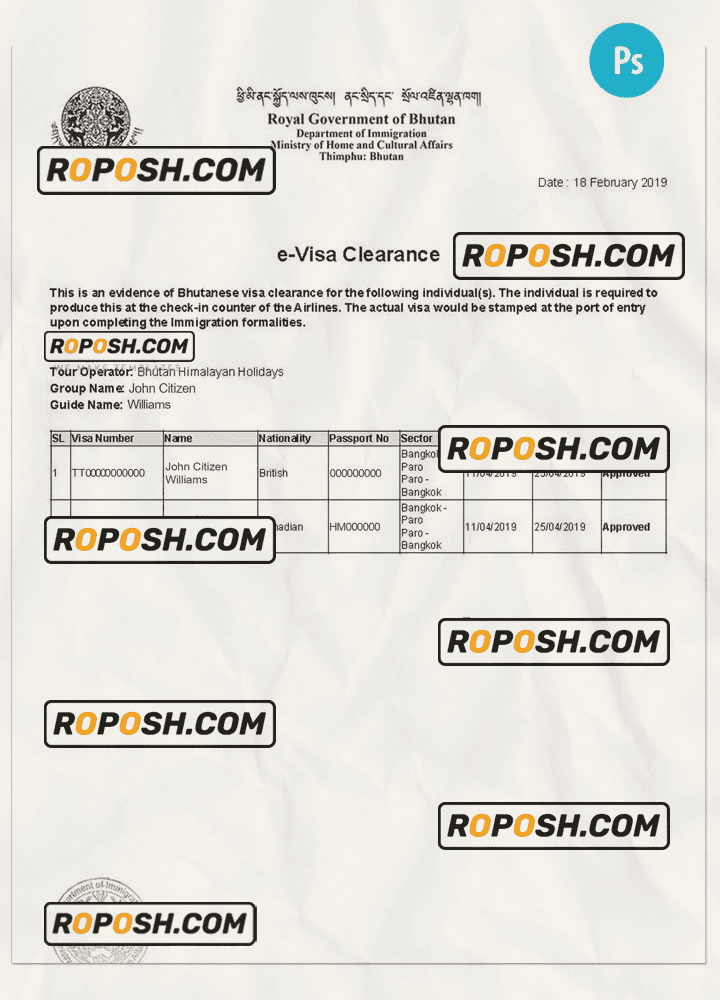
In professional graphic design, having a high-fidelity and meticulously crafted template is indispensable, especially when working with sensitive documents like visas. Designers often face the challenge of finding pixel-perfect, standardized layouts that reflect real-world precision while remaining editable. Whether for design portfolios, educational mockups, or commercial print use, accuracy in layer structure, dimension fidelity, and font matching is essential. The BHUTAN e-Visa PSD template addresses these requirements by delivering a fully editable file that meets industry standards for clarity, precision, and print readiness.
Addressing Layout & Font Challenges
One common issue designers encounter is the presence of mismatched fonts or blurred text borders that undermine the professional finish of visa templates. This PSD template resolves these problems through exact font embedding and a well-organized layer structure, separating text, backgrounds, and machine-readable zones (MRZ) with precision. This clean hierarchy facilitates smooth edits without compromising file integrity or print sharpness. For more tailored selections, you can View all Bhutan Editable Templates within our comprehensive category listing.
Technical Specifications Deep Dive
The BHUTAN e-Visa template is prepared at a high resolution of 600 DPI suitable for professional-quality printing, ensuring every text and graphic element is crisp and legible. It uses the CMYK color mode to align with print standards, offering accurate color reproduction. Native Smart Object layers allow non-destructive edits to photographs and graphics, enabling seamless customization without quality loss. All text layers feature vector shapes and exact font matching to ensure the text borders remain razor-sharp in any size. This technical precision guarantees that final prints exhibit professional finish and clarity. For complementary design assets that enhance your project library, consider integrating the Editable Utility Bill PSD for consistent document styling.
Editing Workflow & Customization
Customization begins by opening the PSD in Adobe Photoshop. Text layers are fully editable via the Character panel, allowing you to maintain the exact fonts provided within the package, preserving layout integrity. To update photographs, simply double-click the Smart Object thumbnail, replace the image, save the Smart Object, and return to the main file to see the update in place. Special fields such as MRZ layers and barcodes are arranged in separate vector layers to prevent accidental distortion. Carefully replace content in these layers while preserving the layer structure to retain the document’s standardized formatting. For expanding your editable asset range, you can also explore the High-Resolution Ireland Visa PSD Template to complement your workflow.
Exporting & Printing Best Practices
Once editing is complete, export your file as a PDF or PNG at full resolution for either digital use or professional printing. When printing physical mockups, opt for matte or satin finish paper that replicates the tactile feel of official documents. Use standard paper sizes and double-check that export settings preserve vector data and text clarity. Proper export settings include disabling compression and maintaining CMYK color profiles to ensure color accuracy throughout print processing. To finalize your design collection with diverse country templates, consider adding the Editable Tajikistan Visa PSD Template to your resource library.
Layer & Field Breakdown
| Layer Group | Description | Editable? | Sample Data |
|---|---|---|---|
| Background | Visa background design and color gradients | No | Official Bhutanese patterns |
| Photo Placeholder | Slot for applicant’s photo with masking | Yes | Applicant photo |
| Text Layers | Applicant details like name, date of birth, nationality | Yes | John Doe, 01/01/1990 |
| MRZ | Machine Readable Zone with standardized font and spacing | Yes | P<BTNDOE<<JOHN<<<<<<<<<<<<<<<<<< |
| Barcode | Security barcode layer | Yes | 1234567890 |
Precision Editing for Professional Results
For impeccable results, maintain the integrity of vector shapes and avoid rasterizing layers unnecessarily. When updating the MRZ field, use the supplied font and spacing guidelines exactly to uphold standardized dimensions. Always save incremental versions to safeguard your edits. Utilize layer groups to toggle visibility and avoid editing unintended elements. Leveraging the Smart Object workflow enables swift photo updates while preserving resolution and layout accuracy. Consistently preview your edits at 100% zoom to catch potential alignment or clarity issues before final export.




Reviews
There are no reviews yet.