


The Design Context
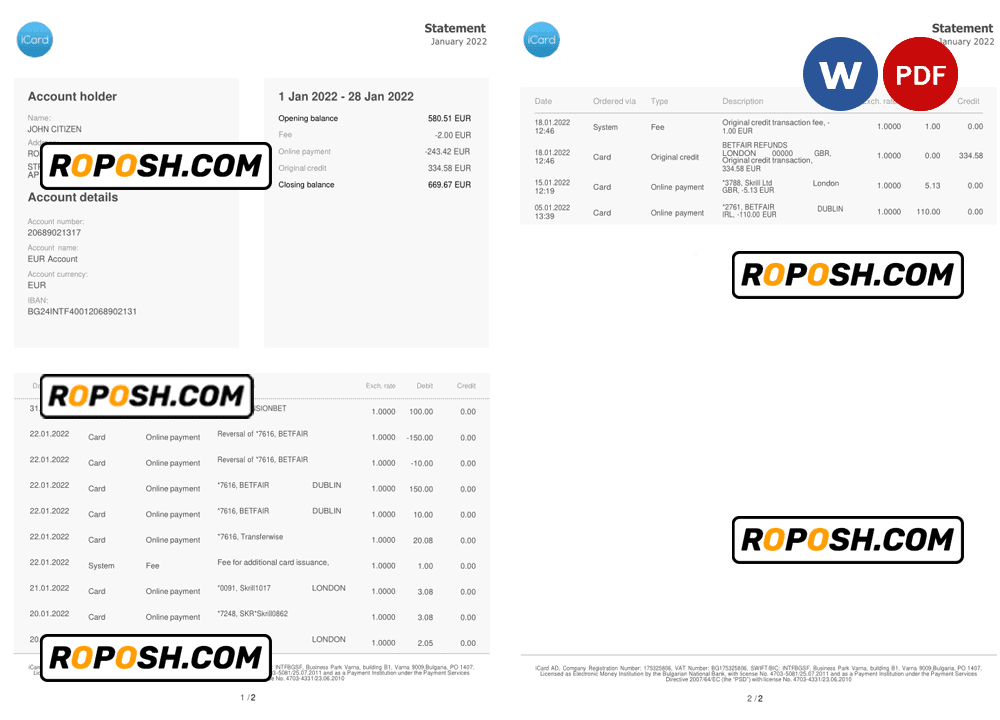
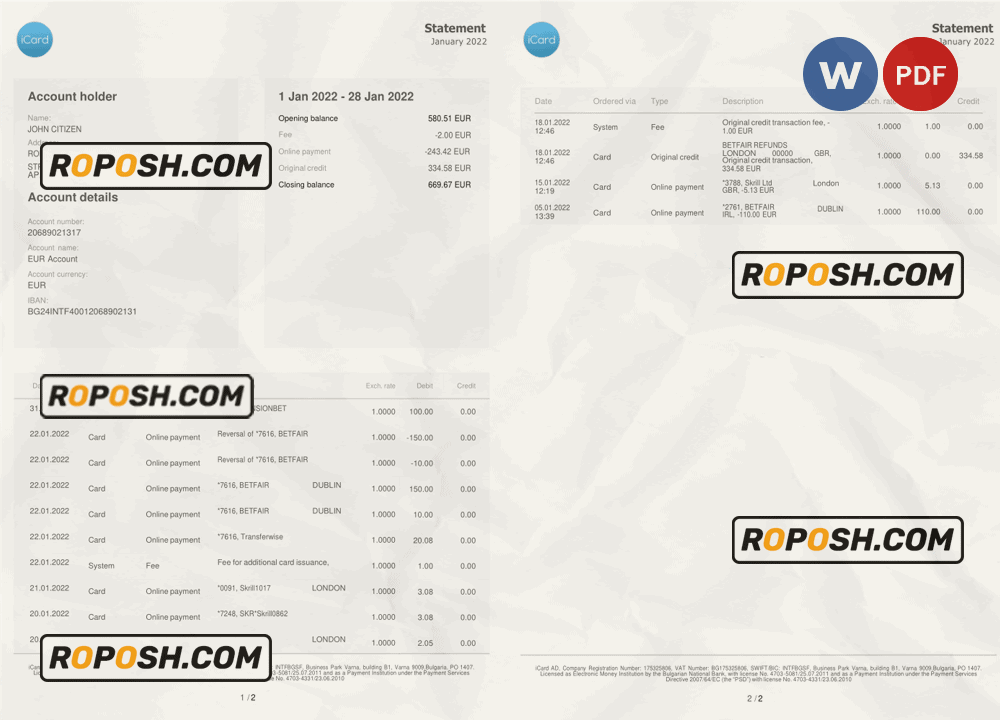
High-quality templates serve as essential tools for graphic designers, print shop operators, and professionals requiring precise, editable documents for portfolios, mockups, or educational projects. In sectors demanding accuracy, such as official statement representations, pixel-perfect and standardized layouts eliminate discrepancies that degrade visual integrity. The Bulgaria iCard statement template addresses these critical needs by providing a two-page solution engineered for exact dimensional conformity and impeccable detail reproduction. Quality and accuracy in design not only enhance presentation but also streamline the print process, reducing error margins and increasing efficiency in professional workflows.
Addressing Layout & Font Challenges
One common challenge with editable statement templates is unintended font mismatches and blurred text borders which hinder clarity and professional appearance. This Bulgaria iCard statement template offers perfectly matched fonts inline with national standards and utilizes high-fidelity vector shapes to ensure the text borders remain crisp at any scale. Its meticulously structured layers support clean editing while preserving the template’s layout integrity. Organized in groups, layers are clearly labeled to simplify adjustments and maintain a standardized dimension throughout editing. For an in-depth understanding of designing OCR and biometric-compatible documents, review our guide on OCR-friendly Design to refine your knowledge of advanced layered document creation.
Technical Specifications Deep Dive
This template is created at 600 DPI resolution, ensuring a print-ready output with crisp fine details crucial for sharp text and borders. The color mode is set to CMYK to match professional printing standards, ensuring color accuracy and consistency across outputs. Embedded Smart Objects simplify the editing workflow, allowing users to replace images or text without quality loss, preserving vector sharpness. Further, the template employs vector layers strategically for texts and graphic elements, which allows resolution-independent scaling, thereby avoiding pixelation typically encountered in raster files. For complementing your document assets, consider integrating an Editable Utility Bill PSD to complete your project’s document suite with uniformly high quality.
Editing Workflow & Customization
Editing the Bulgaria iCard statement template is streamlined through clearly segmented text layers and placeholders. In Photoshop or Word, users can directly modify text layers while the structure maintains exact font styles and sizes as per original specifications. Replacing the photo placeholder involves updating the embedded Smart Object layer to retain scaling and positioning accuracy. Special attention is given to the MRZ (Machine Readable Zone) and barcode fields, where layered groups ensure the structural integrity of these data zones remain intact and vector-precise. This careful layering enables professional customization without disrupting the standardized layout. To expand your design library with compatible assets, explore the Editable Bank Statement Word Template, which pairs well for multi-document projects.
Exporting & Printing Best Practices
For optimal finalization, export files as high-resolution PDFs using Photoshop’s or Word’s native export settings, preserving vector data and font embedding to maintain clarity in print. PNG exports are recommended for digital mockups requiring transparency. Selecting quality coated or matte finish paper stocks during printing enhances color fidelity and prevents ink bleed, replicating authentic physical documentation standards. To complete your professional collection, consider the Editable Bank Statement Template in Word and PDF, designed for consistent print reproduction and ease of customization.




Reviews
There are no reviews yet.