


The Design Context
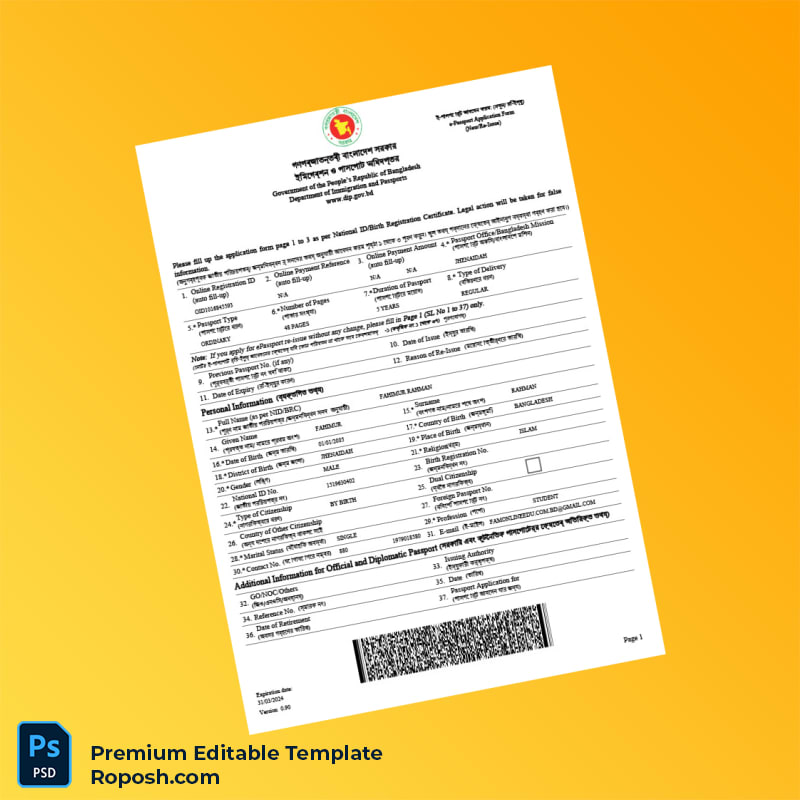
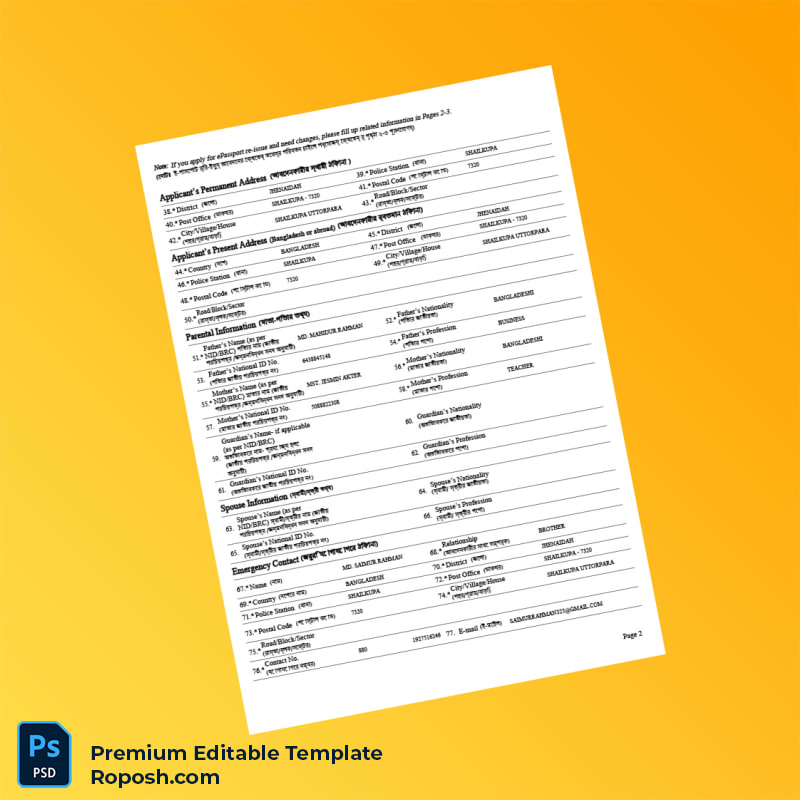
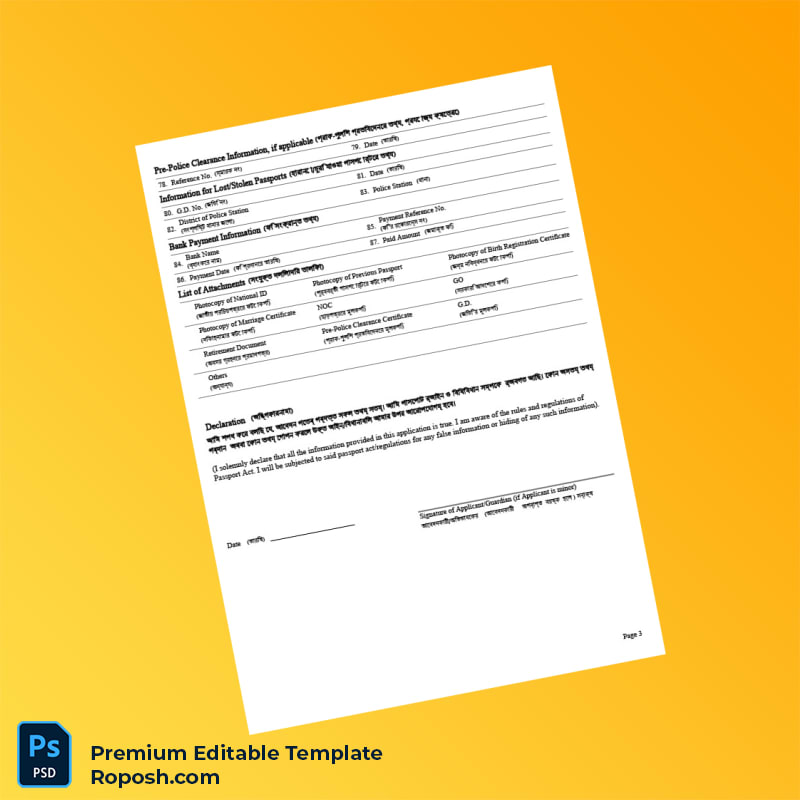
In the realm of professional graphic design and document preparation, the availability of high-fidelity templates such as this customizable Bangladesh Department of Immigration and Passports e-Passport Application Form is indispensable. Designers, print shop operators, and related professionals often face the challenge of sourcing pixel-perfect, standardized documents that faithfully replicate the original format while maintaining full editability. This product is engineered to fulfill that need by delivering a carefully crafted three-page template that embodies exact font matching, vector-sharp text borders, and standardized layout dimensions. These elements collectively ensure that your design portfolio, educational projects, or print mockups communicate professionalism and accuracy without compromising design integrity or print quality.
Addressing Layout & Font Challenges
One of the critical obstacles in editable template design is the harmonization of fonts and layout details that preserve the authenticity and clarity of the original document. This template resolves this by featuring meticulously organized layers and adopting correct MRZ layer structures with exact dimensioning. The structure guarantees that text elements remain vector crisp, avoiding the common pitfalls of blurry or pixelated borders. Additionally, the font layers have been matched precisely to the official typeface specifications used by the Bangladesh Department of Immigration and Passports, eliminating discrepancies during print output. For an in-depth overview of design considerations in text legibility and layout optimization, review our guide on OCR-friendly Design.
Technical Specifications Deep Dive
This editable template is constructed with multiple technical factors tailored for professional print and digital design use. It supports a resolution of 300 DPI minimum, ensuring every element is crisp and detailed for high-quality printouts. The color mode is set to CMYK to meet print industry standards but also offers RGB compatibility for digital previews. Utilizing advanced Smart Object functionality, users can easily update and replace embedded images or document components without losing quality or displacing layout elements. The layered PSD structure includes vector shapes and text fields pivotal for retaining sharp text borders and scalable graphics. These technical attributes are vital for obtaining flawless outputs that meet stringent design verification criteria. Expand your asset collection with complementary documents such as the Editable Utility Bill PSD, ideal for comprehensive project workflows.
Editing Workflow & Customization
Editing this e-Passport Application Form template is streamlined for professionals familiar with Adobe Photoshop and Microsoft Word interfaces. To edit textual content, simply access the respective text layers, which are well-labelled and grouped for clarity. Replacing photos or placeholder images involves interacting with Smart Object layers, preserving the original resolution and positional integrity, especially critical for sensitive components such as the machine-readable zone (MRZ) or barcode fields. Careful adherence to the standardized field structure ensures the MRZ layer remains intact, retaining its accuracy for design purposes. Users are encouraged to maintain vector shape boundaries throughout the customization process to avoid blurring during export. Enhance your professional toolkit by integrating additional templates, like the Editable Government Document Template, which complements this form.
Exporting & Printing Best Practices
For final output, exporting to print-ready formats such as PDF ensures the preservation of vector elements and text clarity. When exporting, confirm the resolution setting is at least 300 DPI, and embed all fonts to maintain layout consistency across different platforms. Selecting quality, matte or semi-gloss paper contributes to an authentic tactile feel, especially important for physical mockups or presentations. Avoid compression that reduces file size but jeopardizes sharpness of critical text borders. To complete your collection with expertly crafted certificates, consider the Editable India Registration Certificate Template for diversified document assets.
Layer & Field Breakdown
| Layer Group | Description | Editable? | Sample Data |
|---|---|---|---|
| Background | Template base with official color scheme and security pattern | No | Light blue gradient with watermark |
| Text Fields | Personal information fields and form instructions with vector-sharp text borders | Yes | Applicant Name, Date of Birth |
| MRZ Layer | Machine-readable zone with standardized font and spacing | Yes, text only | P<BGDDOE<<JOHN<<<<<<<<<<<<<<<<<<<<< |
| Photo Placeholder | Image Smart Object for inserting applicant photo | Yes | Passport-sized photo area |
| Barcode Layer | Barcode graphics aligned to template design | Yes | Barcode number 123456789 |
Precision Editing for Professional Results
Achieving professional-grade results requires careful manipulation of each editable layer while respecting the hierarchical structure of the template. Always unlock the appropriate layers before editing, and use clipping masks when inserting images to avoid boundary overflows. For the MRZ text, preserve the exact spacing and font style as minor deviations affect the realistic rendering of the document. When adjusting text, avoid altering font size outside designated fields to maintain standardized layout dimensions, ensuring the final print remains vector crisp without distortion. It is also recommended to keep backup copies before major edits to retain original configurations. Employ this structured approach to uphold the integrity and precision expected in high-quality document designs.




Reviews
There are no reviews yet.