


The Design Context
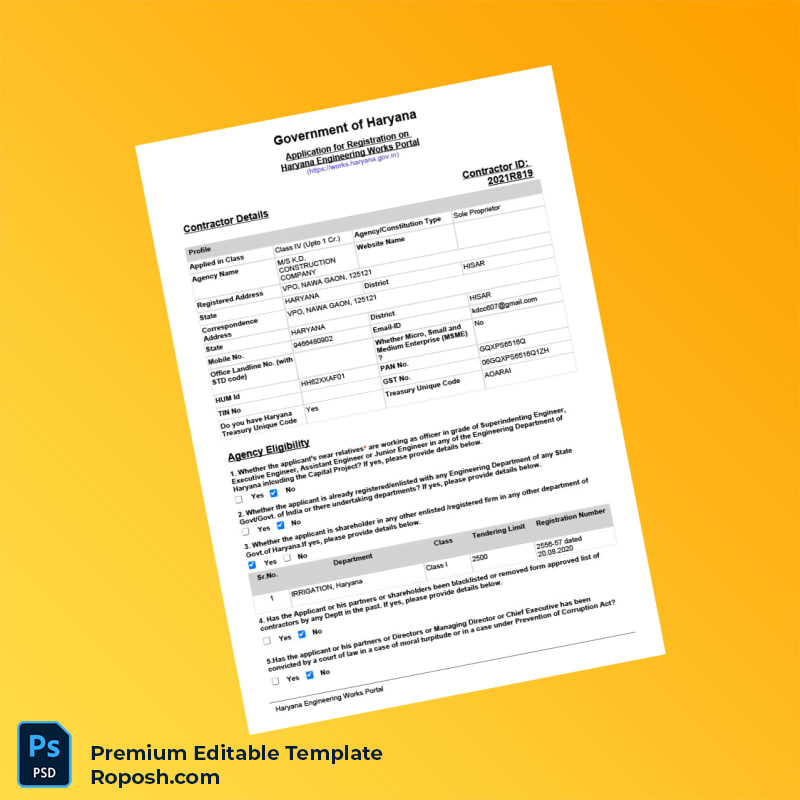
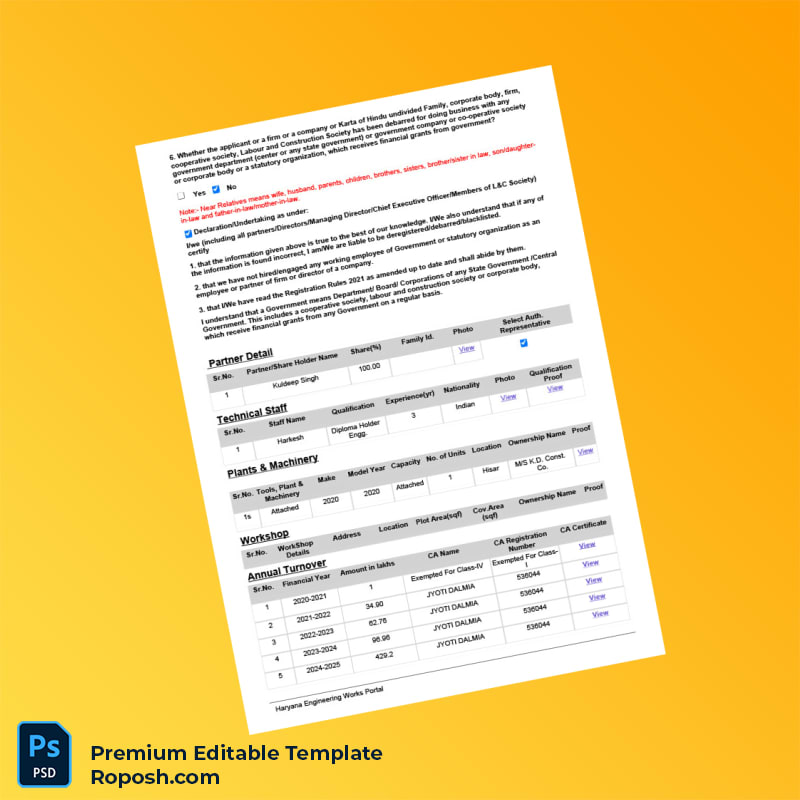
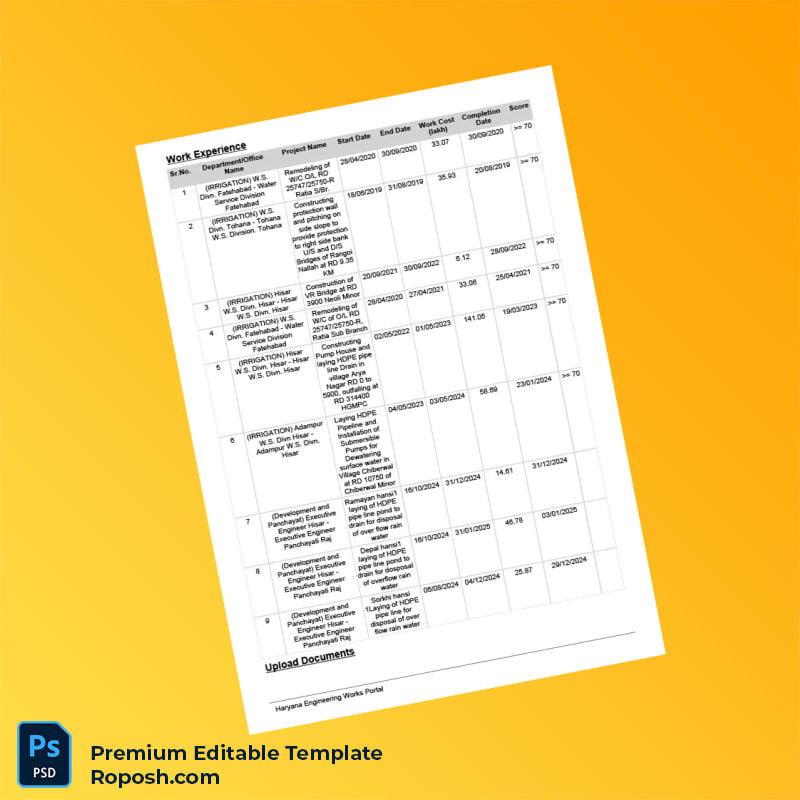
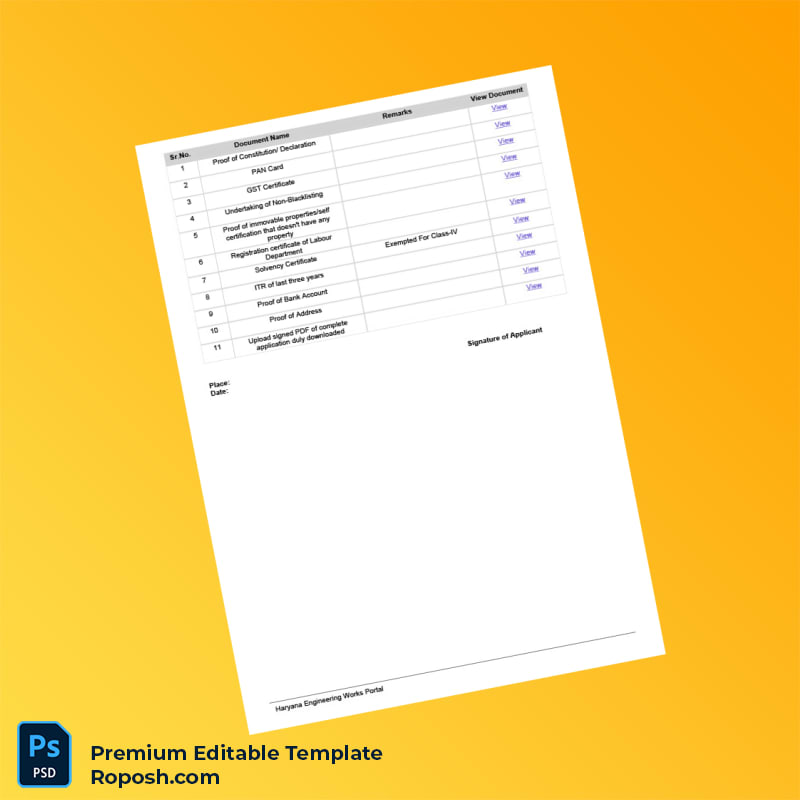
In modern design and print workflows, accessing templates with impeccable fidelity is critical—especially for official documents like contractor registration forms. Designers, print shops, and professionals often encounter the challenge of sourcing layouts that maintain pixel-perfect alignment and standard compliance. This 4-page contractor registration application form template for the India Haryana Engineering Works Portal addresses these issues by delivering a precise and editable digital asset. High-resolution content ensures that your portfolios, educational projects, and client mockups reflect the utmost quality and layout integrity.
Addressing Layout & Font Challenges
Fonts and layout dimensions are vital variables in form templates where exactness is not optional. Mismatched fonts or blurry edges can compromise the document’s readability and professionalism. Our template solves such issues by incorporating exact font matching and vector-sharp text borders throughout the design. The PSD and Word files come with meticulously organized layers that separate text fields, images, and backgrounds—simplifying navigation and customization. For additional insights into design accuracy for OCR and official document styles, review our guide on OCR-friendly Design.
Technical Specifications Deep Dive
This contractor registration form is engineered for optimal print and digital use, designed at 600 DPI resolution ensuring razor-sharp details in every element. The color mode is CMYK, tailored specifically for professional printing processes, enabling vibrant colors and consistency across different print setups. Vector shapes preserve crisp edges during scaling, while Smart Objects provide non-destructive customization of logos and detailed graphics. These specifications collectively assure the form maintains structural integrity across high-volume print runs and digital delivery. To complement this asset, consider the Editable Utility Bill PSD for comprehensive project documentation.
Editing Workflow & Customization
Begin by opening the PSD or Word files in Adobe Photoshop or Microsoft Word. Text layers are clearly labeled and organized by field type, enabling straightforward replacement of placeholder content with your own details. Special care must be taken with fields such as MRZ or barcode areas; these use standardized layer groups that preserve exact measurements and positioning to maintain format compliance. Photos and signature blocks are embedded as Smart Objects, allowing for seamless image replacement while preserving quality. For expanding your design resources, explore the Japan Visa PSD Template which utilizes similar editing principles.
Exporting & Printing Best Practices
For final output, export your customized template to PDF or PNG formats at 600 DPI to ensure high clarity. When preparing physical copies, select matte or satin-finish papers matched with your printer’s color profile to retain vibrancy and avoid glare. This approach highlights vector-sharp details and color fidelity, replicating the digital accuracy in tangible form. Finalize your collection with complementary assets like the Libya Travel Visa PSD Template, adding versatility to your creative library.




Reviews
There are no reviews yet.