


The Design Context
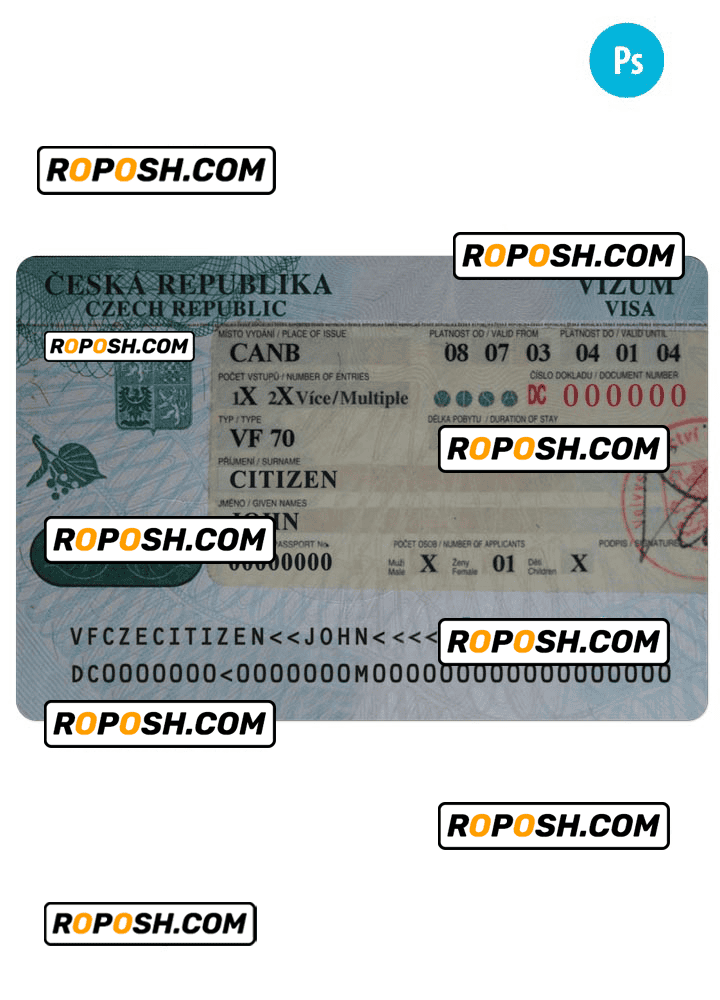
In today’s graphic design and print production environment, working with high-fidelity templates is essential to maintain the highest level of quality and accuracy. Whether building a design portfolio, preparing educational resources, or crafting professional mockups, designers encounter challenges when source files have pixelated edges, inconsistent fonts, or poor layer structure. The CZECH REPUBLIC entrance visa PSD template, with fonts addresses these needs by offering a meticulously crafted file that ensures every element aligns with real-world standards. This precision-expanded template bridges the gap between conceptual design and print-ready assets, reducing the burden of subsequent quality control and expedites presentation workflows.
Addressing Layout & Font Challenges
A common obstacle in visa template design involves mismatched font faces and blurry text boundaries that can degrade the perceived quality of the final presentation. This PSD template features exact font matching with fully embedded font resources to retain typographic integrity. Furthermore, it offers crystal-clear text edges benefiting from vector-sharp borders for all textual elements, including official fields and data zones. The layer architecture is clean and intuitively labeled, segregating background, data fields, barcodes, and machine-readable zones (MRZ) logically to enhance editing efficiency and maintain consistent output quality. For a comprehensive view of similar professional templates, View all Czech Republic Editable Templates.
Technical Specifications Deep Dive
This template is created at a resolution of 600 DPI, best suited for high-quality print reproductions where detail preservation is paramount. It utilizes the CMYK color profile, which matches commercial printing requirements to ensure color fidelity from screen to physical output. Key design elements are housed in vector layers, enabling infinite scalability without pixel degradation. Smart Object layers provide the convenience of non-destructive editing, allowing photos and data fields to be updated seamlessly without compromising layer effects or structure. The dedicated MRZ layer follows standardized formatting essential for realistic mockups and professional demonstration projects. To complement this visa template, consider adding the Editable Utility Bill PSD for expanded project scope and matching asset versatility.
Editing Workflow & Customization
Editing this PSD template requires a professional graphics editor such as Adobe Photoshop. To update textual information, simply locate the labeled text layers and use the text tool while preserving font sizes and styles to maintain design consistency. Photo placeholders utilize Smart Object layers—double-click these to open the linked file, replace the image, save, and the main file updates automatically with correct scaling and positioning. Attention to fields like the MRZ or barcodes is critical; these layers are organized to prevent accidental distortion or misalignment, preserving the look of standardized machine-readable data zones. Adding new textual or vector content is facilitated by well-structured groups and guides embedded in the file. Extend your design library with the Editable Ireland visa PSD template to diversify your asset portfolio.
Exporting & Printing Best Practices
When finalizing your design for physical proof or client presentation, export the file using Photoshop’s PDF or PNG options with maximum quality settings. Embedding color profiles ensures color accuracy across different devices and print labs. For physical mockups, selecting high-quality, matte-coated paper stock or a heavyweight adhesive synthetic paper enhances authenticity and tactile perception. Proper trimming guides and bleed settings are embedded in the PSD to support accurate cutting and finishing. To complete your collection of high-fidelity visa templates, explore the Editable Tajikistan visa PSD template as a complementary resource.
Layer & Field Breakdown
| Layer Group | Description | Editable? | Sample Data |
|---|---|---|---|
| Background | Visa base design, colors, and security patterns | No | N/A |
| Text Fields | Data entries like Name, Date of Birth, Passport No. | Yes | JAN NOVÁK |
| Machine-Readable Zone (MRZ) | Standardized passport scan code area | Yes (for text only) | P<CZECHREPUBLIK |
| Photo Placeholder | Photo Smart Object for user image insertion | Yes | User Photo |
| Barcode | Design element simulating barcode data | Yes | 1234567890 |
Precision Editing for Professional Results
To ensure output precision, it is crucial to keep vector shapes and text layers intact during editing. Avoid rasterizing text or resizing layers disproportionally. Use linked Smart Objects for all photos and graphical inserts to maintain original resolution and file integrity. Always work on copies or separate layers for experimental edits to safeguard the master template. Adhering to these practices will result in high-caliber mockups suitable for professional design presentations and print production.




Reviews
There are no reviews yet.