
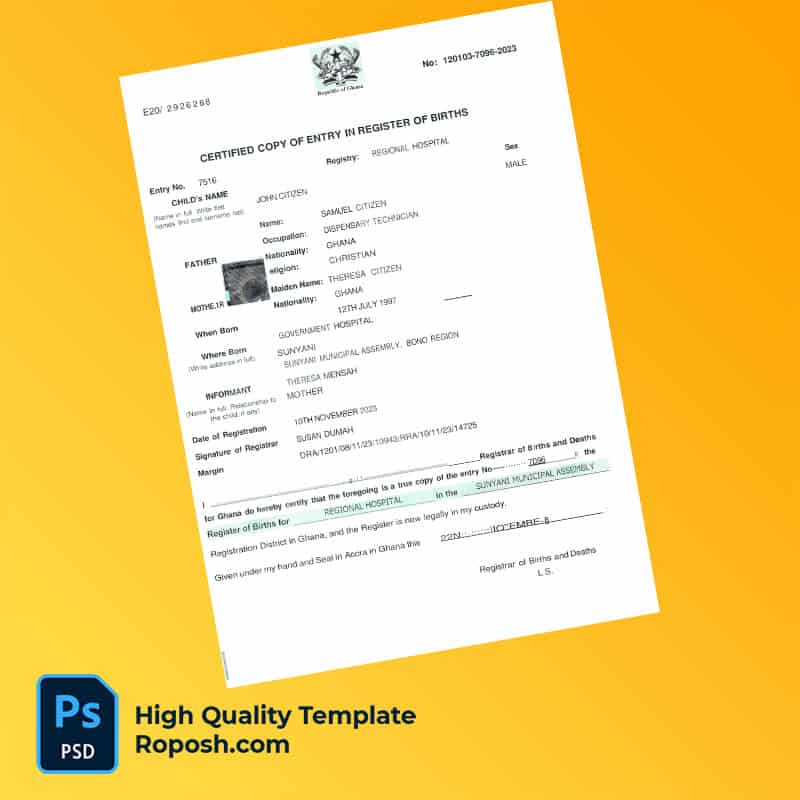


The Design Context
In professional document design, particularly for official records like birth certificates, the demand for high-fidelity templates is paramount. Designers and print operators require assets that deliver pixel-perfect layouts to maintain the integrity and readability of documents used for administrative and archival purposes. High-precision editable templates enable creative professionals to build comprehensive design portfolios and deliver accurate mockups for educational projects or client presentations. The key challenge often revolves around obtaining files that merge strict design standards with editable convenience, without sacrificing clarity or print quality.
Addressing Layout & Font Challenges
The Ghana Birth Certificate Word and PDF Template directly addresses common design hurdles such as font mismatches and blurred text borders, which can compromise the professionalism of a final print. This template employs exact font matching aligned with official document typography standards, ensuring typographic consistency. Additionally, the file’s cleanly organized layers allow seamless navigation and modification without disrupting the overall structure. Transparent naming conventions in the layer panel simplify edits, preserving vector-sharp text borders and layout accuracy throughout customization stages. For further insight into OCR-compatible document properties and future design trends, review our guide on OCR-friendly Design.
Technical Specifications Deep Dive
This template is optimized for professional output with a resolution set at 600 DPI, ensuring every line and character prints crisply on physical media. The color mode is configured in CMYK, standard for print workflows, guaranteeing color consistency across different printers and paper stocks. The use of vector layers allows scalable edits without pixel degradation, essential for maintaining sharp geometry in borders and icons. Smart Object functionality is integrated for non-destructive edits to embedded elements like logos and seals, preserving original file quality. This technical foundation makes the template ideal for use in high-res workflows and complex print production chains. To complement this asset in multi-document projects, consider integrating an editable utility bill PSD for comprehensive identity document collections.
Editing Workflow & Customization
Editing this birth certificate template involves opening the file in Photoshop or Microsoft Word, depending on format preference. Text layers are fully accessible for direct replacement or modifications, with all fonts embedded or linked for seamless typography matching. Photos can be replaced by double-clicking Smart Object layers, which maintain resolution integrity. Special fields such as the Machine Readable Zone (MRZ) or barcode layers are locked structurally to uphold compliance with standardized layout dimensions, reducing the risk of unintended misplacement or distortion. The clean layer organization and labeled sections guide designers through targeted adjustments without loss of precision. Enhance your resource library by exploring the editable official certificate template for broader document design needs.
Exporting & Printing Best Practices
For final output, export settings must preserve vector data and color fidelity. Exporting to PDF using the highest quality preset maintains CMYK profiles and vector edges, essential for professional print shops. PNG exports may be used for digital proofs but should be at 600 DPI or above to avoid pixelation. Selecting high-grade paper with smooth, matte finishes can enhance the authentic feel of birth certificate mockups, reducing glare and supporting precise ink absorption. To finalize your collection with regional design adaptations, review the print-ready driver license PSD asset for related high-fidelity templates.




Reviews
There are no reviews yet.