


The Design Context
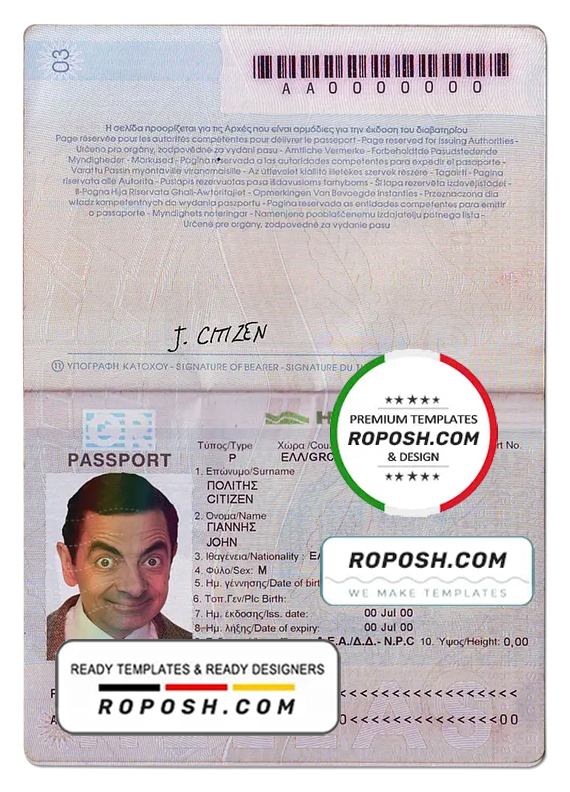
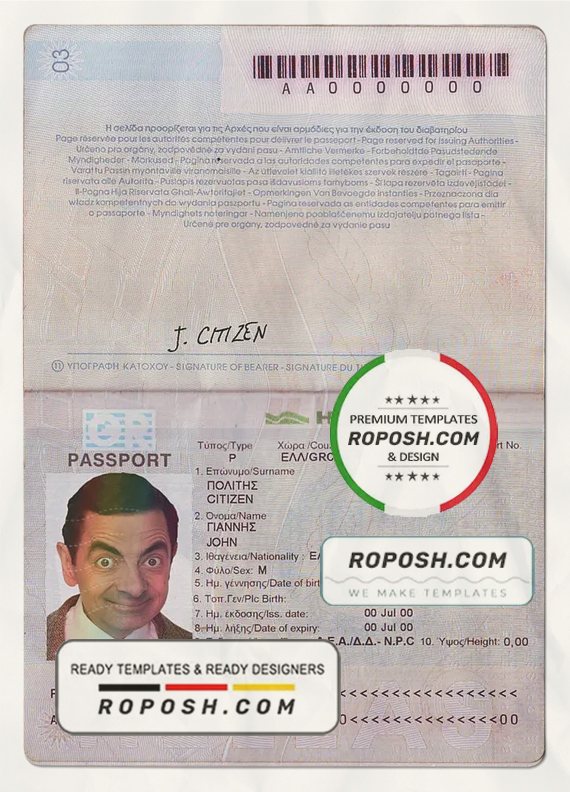
In professional graphic design portfolios, mockups, and educational projects, precision is paramount when producing high-fidelity identity templates. Designers often struggle to obtain templates that maintain pixel-perfect layouts and vector-sharp text borders to meet print quality demands. The Greece passport template in PSD format, fully editable resolves these challenges by offering a meticulously crafted design framework. Its standardized layout dimensions ensure consistency, making it an indispensable resource for creating clear, crisp visualization with accurate MRZ placement and flawless graphic elements. This template significantly reduces the time spent refining details and allows a focus on creative customization.
Addressing Layout & Font Challenges
Common issues encountered with passport templates include mismatched fonts, blurry edges, and poorly structured layers, which reduce the overall professionalism of the final design. This PSD template addresses these problems through the integration of exact font matching and a clean, hierarchical layer structure ensuring every element is editable without compromising integrity. The vector-based text borders guarantee clarity at any scale, eliminating pixelation in print or digital reviews. For in-depth educational insight into OCR-friendly design considerations and digital identity technologies, review our guide on OCR-friendly Design to understand how this template fits into current verification trends.
Technical Specifications Deep Dive
The template is designed at a high resolution of 600 DPI, supporting professional-grade print output without loss of detail. It utilizes the CMYK color mode, perfectly aligned with print production standards to guarantee color accuracy on physical media. The PSD incorporates Smart Object layers, facilitating non-destructive editing for photos and graphical elements, allowing you to preserve original quality while customizing design features. Vector shapes and text layers form the backbone of the template, allowing infinite scalability with razor-sharp edges critical for machine reading zones such as MRZ and barcode areas. This structure ensures that every print or digital reproduction maintains impeccable crispness throughout. To complement your project, consider integrating assets like the editable utility bill PSD for enhanced document mockups.
Editing Workflow & Customization
Editing the Greece passport PSD template is intuitive. Open the file in Adobe Photoshop where all layers are clearly labeled. Start by navigating to the photo placeholder smart object—double-click to replace the image while keeping the mask intact for dimension consistency. Text layers supporting MRZ and personal data employ exact font matching and correct kerning; these layers are fully editable to input desired names, passport numbers, and dates. Attention to MRZ structure is critical; the template’s text fields maintain the standardized two-line MRZ format for proper layout integrity. Additionally, you can customize security features or barcode layers without altering the fundamental design. Expand your editable resources by adding complementary templates such as the editable certificate document templates to your digital asset library.
Precision Editing for Professional Results
| Layer Group | Description | Editable? | Sample Data |
|---|---|---|---|
| Background | Base passport colors and security pattern | No | Blue gradient texture |
| Text Fields | Personal details and passport info in exact fonts | Yes | Name, Date of Birth |
| MRZ Zone | Machine Readable Zone with correct two-line structure | Yes | P<GREREVASTOS<<JOHN<<<<<<<<<<<<<<<<<<<<< 1234567890GRE8001016M3001017<<<<<<<<<<<<<<04 |
| Photo Placeholder | Smart Object frame for user photo insertion | Yes | Photo.jpg |
| Barcode Layer | Sample barcode for illustrative purposes | Yes | CODE128 Barcode |
Exporting & Printing Best Practices
Once editing is complete, export your design from Photoshop as a PDF using the ‘Press Quality’ preset to retain 600 DPI and CMYK color integrity for print-ready results. Alternatively, PNG exports can be used for digital presentation, ensuring vector sharpness remains intact. For physical mockups, select high-quality, matte or semi-gloss paper stock to simulate real passport texture and enhance visual authenticity. Avoid low-resolution prints to preserve the vector shapes and crisp borders. To finalize your project toolkit, add assets such as the advanced driver license PSD template for a comprehensive identity document portfolio.




Reviews
There are no reviews yet.