


The Design Context for High-Fidelity Bank Statement Templates
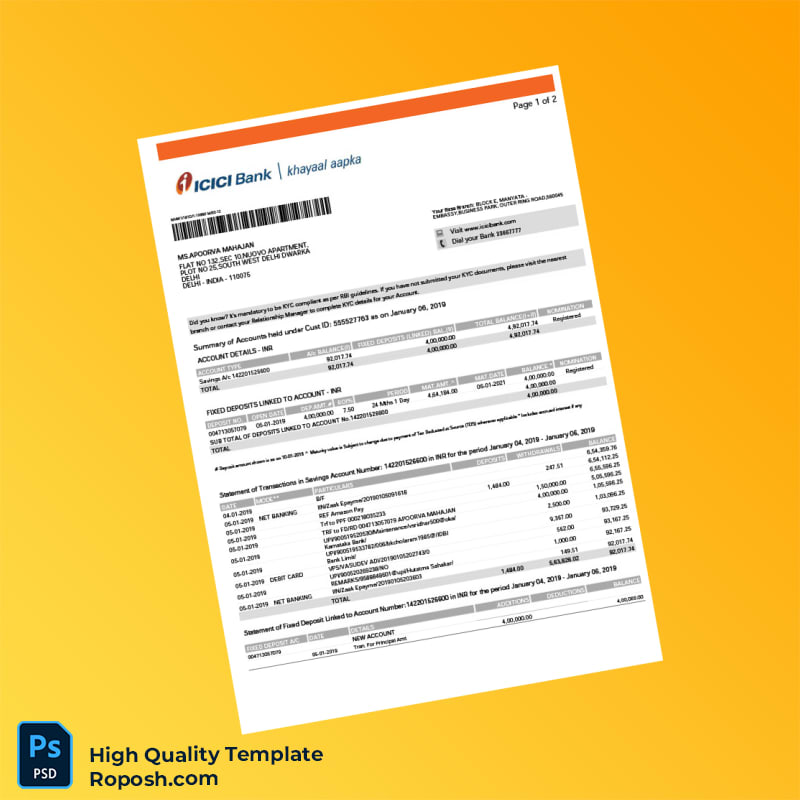
In the realm of high-end graphic and document design, having access to pixel-perfect and detail-oriented templates is essential for maintaining professionalism in portfolios, client presentations, and educational projects. The India ICICI Bank Bank Statement Template in Word and PDF formats addresses the need for impeccable design accuracy and quality. Designers often face challenges when sourcing templates that maintain vector-sharp edges, exact typography, and print-optimized layouts. This product is meticulously crafted to alleviate these concerns, presenting a standardized format that adheres strictly to authentic document design dimensions. Its two-page structure supports comprehensive representation of bank statement details with clarity and precision, making it a reliable asset in any high-fidelity design project.
Addressing Layout & Font Challenges with Expert Design Precision
Mismatched fonts and blurry text borders frequently undermine the credibility and visual impact of document templates. The India ICICI Bank template solves this by incorporating exact font matching, along with carefully calibrated vector shapes that maintain high-resolution clarity across all design elements. Layers are logically grouped and named, enabling smooth navigation and quick alterations without accidental displacement of critical text or graphics. This organization facilitates precision editing, crucial for maintaining the integrity of fields such as transaction tables, personal information zones, and bank logos.
To enhance your understanding of design optimization and layer management for document templates, review our guide on OCR-friendly Design. This resource provides insights into maintaining text clarity and structure that complement the technical aspects of editable templates such as this.
Technical Specifications Deep Dive
The India ICICI Bank Bank Statement Template is designed at a high resolution of 300 DPI, ensuring superior print quality that retains crispness in color gradients and text edges. It is presented primarily in CMYK color mode, the industry standard for print projects, allowing accurate color reproduction on physical media. Vector layers structure key elements such as logos, borders, and text boxes, enabling infinite scalability without degradation. Smart Object layers are implemented in the PSD version to allow seamless content replacement while preserving the original design integrity.
This robust technical foundation ensures that when transitioned to printable formats, such as PDF, all vector-sharp text borders and standardized layout dimensions remain intact. For complementary design assets, consider integrating the Editable Utility Bill PSD from our curated selection. It pairs effectively with financial document template projects requiring consistent print-ready quality.
Editing Workflow & Customization
The editing process prioritizes user-friendly customization within Word and Photoshop environments. Text layers are fully editable, allowing direct modification of transactional data, headings, and personal details. In Photoshop, Smart Objects enable you to replace images or logos efficiently without affecting the underlying vector shapes or layer styles.
Handling technical fields such as the MRZ layer requires adherence to the original layout dimensions to maintain the structural consistency of the bank statement. Avoid resizing or repositioning these elements. Barcode fields are crafted using vector layers, which must be edited cautiously to keep precision intact.
To expand your document design toolkit, add the Detailed Bank Statement Editable Template to your library. This resource reinforces best practices for managing layered financial documents with accuracy.
Exporting & Printing Best Practices
For final output, exporting to PDF format is recommended to preserve vector shapes and layered features essential for high-resolution print. When preparing files for physical mockups, select high-quality matte or silk-coated paper stocks to enhance the template’s authenticity and detail visibility.
Use export settings that embed fonts and maintain original color profiles (CMYK) for best results. When printing, ensure the printer is calibrated for color accuracy to represent the template’s precise hues and contrasts authentically.
Wrap up your collection by exploring the Professional Bank Statement Design Template from Sri Lanka, to diversify your international financial document assets with matching print-ready quality.




Reviews
There are no reviews yet.