


The Design Context
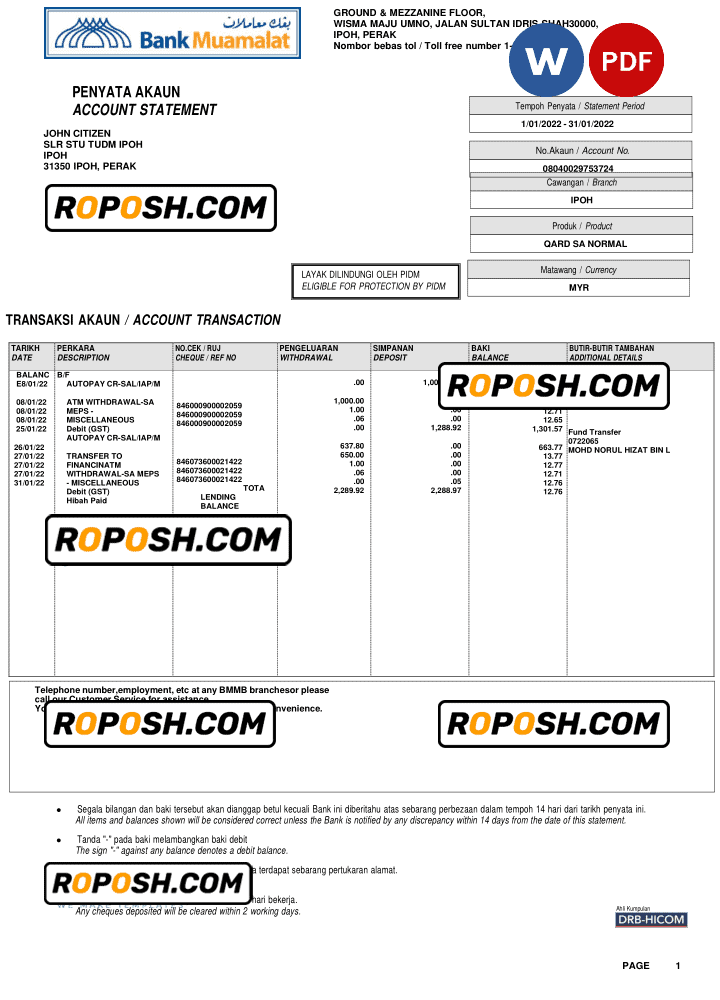
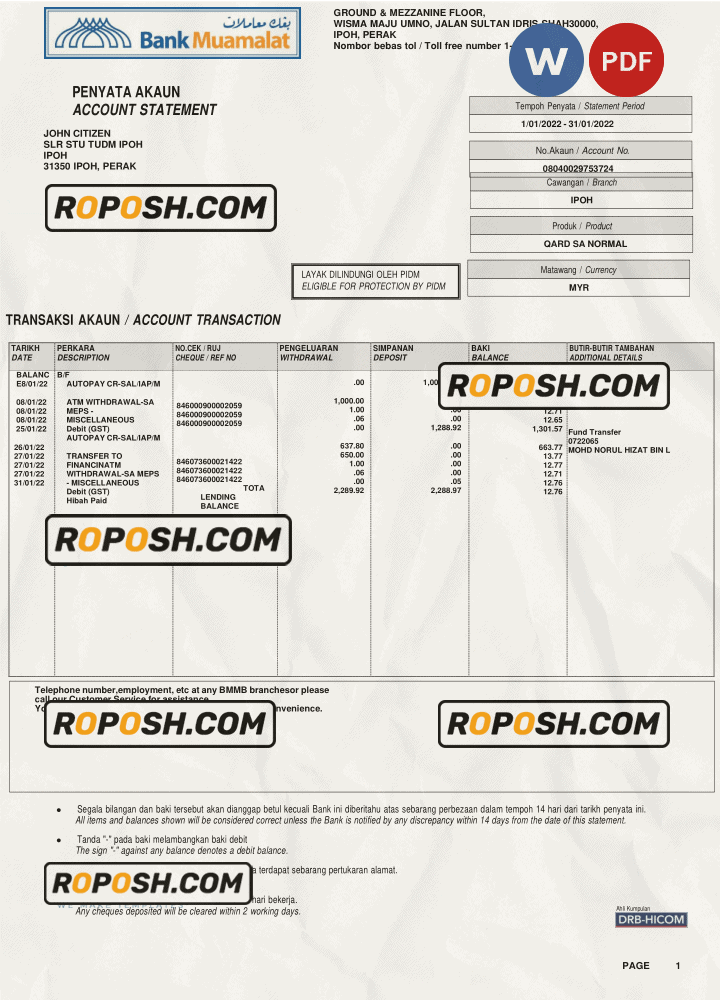
In the realm of professional design and document mockups, the demand for high-fidelity, meticulously crafted templates is paramount. Designers and print professionals must rely on pixel-perfect layouts that exhibit precision in every element—from typography to spacing and structural dimensions. This is especially true for financial documentation assets like bank account statements, where clarity and standardized formatting are essential for educational projects, portfolio presentations, and illustrative design demonstrations. The Malaysia Bank Muamalat bank account statement template stands as a specialized resource tailored to address these challenges, providing users with an asset that bridges the gap between conceptual design and print-ready perfection.
Addressing Layout & Font Challenges
One common obstacle in editable bank statement templates is the frequent mismatch of fonts or the presence of blurry text borders that undermine professionalism. This template resolves such issues through the use of exact font matching, notably ensuring that textual elements replicate the original document’s typography with vector-sharp precision. The cleanly organized layer structure furthers workflow efficiency by segmenting background elements, text layers, and specialized fields such as monetary digits and transaction tables. Effortlessly maintain consistent spacing and alignment without manual repositioning. For those seeking an in-depth look at designing OCR-friendly layers and standardized bank document layouts, review our guide on OCR-friendly Design to gain expert insights.
Technical Specifications Deep Dive
This Malaysia Bank Muamalat statement template is prepared at 300 DPI resolution, delivering crisp output suitable for high-quality print applications. The color mode is set to CMYK, aligning with print industry standards to produce accurate color reproduction in physical formats. The inclusion of vector shape layers guarantees resolution independence and sharp edges, critical when scaling or exporting to various sizes. Smart Object integration facilitates nondestructive edits, allowing users to swap out images or text efficiently without quality degradation. These technical choices collectively support a print-ready file that meets the rigorous standards of professional design workflows. Designers looking to complement this template with other editable documentation assets may consider adding the Editable Utility Bill PSD to their design library for cohesive project outputs.
Editing Workflow & Customization
Editing begins with opening the template in your preferred software—Word or Adobe Photoshop. In Photoshop, text layers are fully editable and organized by section, enabling precise substitution of account details, transaction figures, and dates. Replace the photograph or bank logo by double-clicking the designated Smart Object layers to preserve correct MRZ layer structure and barcode positioning. Maintaining the integrity of these elements is crucial for design consistency and structural accuracy. The Word version supports straightforward inline text editing with predefined styles to avoid font mismatches. For users expanding their collection of financial document templates, the High-Resolution Malaysia Employment Verification Template meshes well within similar projects requiring consistent design fidelity.
Exporting & Printing Best Practices
When finalizing your project, exporting to PDF is recommended to retain layered integrity and vector text quality. Use PDF/X-1a standards where possible to ensure compatibility with commercial print workflows. For digital showcase or previews, exporting to high-resolution PNG at 300 DPI preserves sharpness while enabling web-friendly usage. Select heavier uncoated papers or premium matte stocks for printed proofs to enhance texture and emulate the feel of authentic bank statements. Avoid glossy finishes that can distort color and reduce text legibility. To complete your document collection with complementary assets, consider the Editable Malaysia Employment Confirmation Template for seamless integration.




Reviews
There are no reviews yet.