


The Design Context
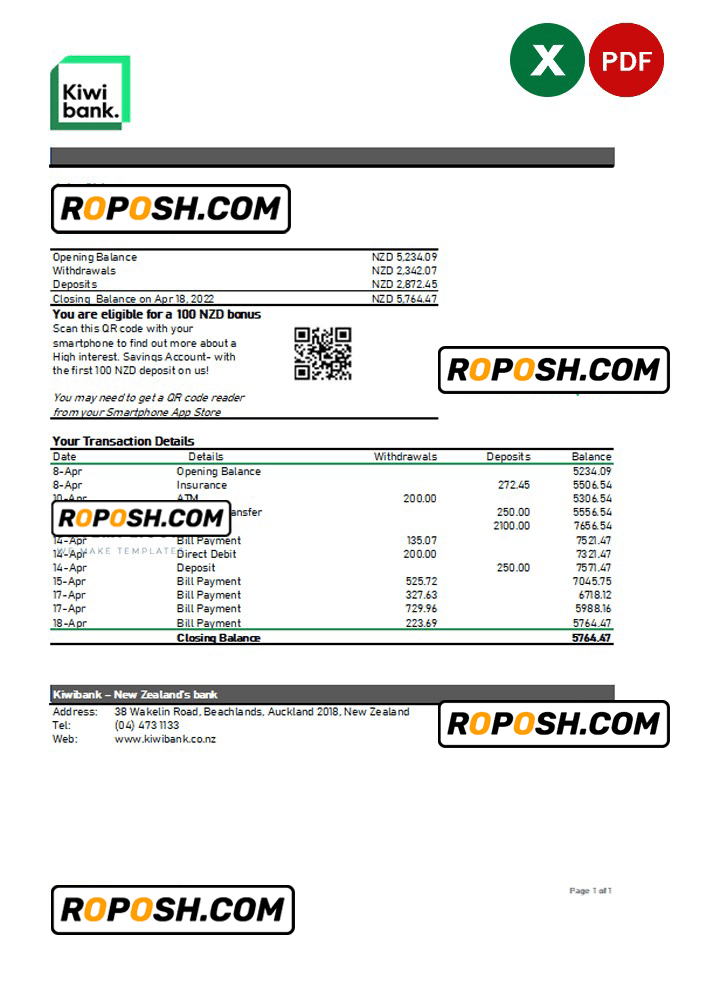
In the realm of professional design assets, high-fidelity templates such as bank statements must deliver uncompromising quality and accuracy. These templates serve as crucial components for design portfolios, educational projects, and various professional presentations where pixel-perfect layout precision is paramount. Designers often encounter challenges locating templates that maintain crisp text clarity and exact alignment without the distracting artifacts of poorly rendered edges or inconsistent font usage. This New Zealand Kiwibank bank statement Excel and PDF template addresses these issues, offering a superior foundation for creating impressive, trustworthy mockups and illustrative documents that elevate your project accuracy and visual appeal.
Addressing Layout & Font Challenges
A common difficulty when using editable document templates is inconsistent font matching and blurred text borders that detract from the overall professional quality. This template eliminates these issues through exact font matching techniques and vector-sharp text border rendering, ensuring every typeface aligns perfectly with the original design specifications. The layered structure has been meticulously organized to separate text, images, and background elements, promoting an efficient workflow for updates or localized changes. For an in-depth understanding of design considerations that optimize optical character recognition and structural accuracy, review our guide on OCR-friendly Design.
Technical Specifications Deep Dive
This template is built to meet professional printing demands and digital clarity standards. It features a minimum 600 DPI resolution to assure crisp, high-definition output suitable for both on-screen and hard copy presentations. The color mode is set to CMYK, aligning with print industry standards for color accuracy. Vector layers constitute all text and critical design elements, enabling infinite scalability without quality loss. Smart Object functionality facilitates non-destructive editing, allowing easy replacement of elements such as logos or watermark overlays without compromising the design integrity. For complementary assets that integrate seamlessly into your projects, consider the Editable Utility Bill PSD.
Editing Workflow & Customization
Editing this New Zealand Kiwibank bank statement template follows a structured workflow designed for efficiency and precision. Begin by opening the Excel or PDF file in compatible software such as Microsoft Excel or Adobe Acrobat Pro for PDFs. Text layers in Excel can be edited directly, whereas PDF edits benefit from Adobe Photoshop for layer-level adjustments. Image placeholders and photo sections employ Smart Objects to preserve the vector layer structure; updating images requires double-clicking within the Smart Object layer and replacing the content before saving. Particular attention is given to maintaining the MRZ (Machine Readable Zone) layer structure and barcode placements to uphold design standards. To expand your template collection, explore the Bank Statement Template in Word and PDF formats for diverse formatting options.
Exporting & Printing Best Practices
Optimal export and printing elevate the final presentation of the bank statement template. When exporting, select PDF format with lossless compression for maximum fidelity or PNG where transparency is required. Ensure to embed all fonts during PDF generation to maintain text appearance across devices. For physical prints, choose high-quality matte paper with a weight of 120-150 gsm to emulate authentic document texture. Calibrated professional printing devices produce color accuracy consistent with the CMYK color profile embedded in the template. Final touches and supplementary materials can be complemented by products such as the Printable Bank Statement Template for Professional Use, rounding out your design toolkit.




Reviews
There are no reviews yet.