


The Design Context
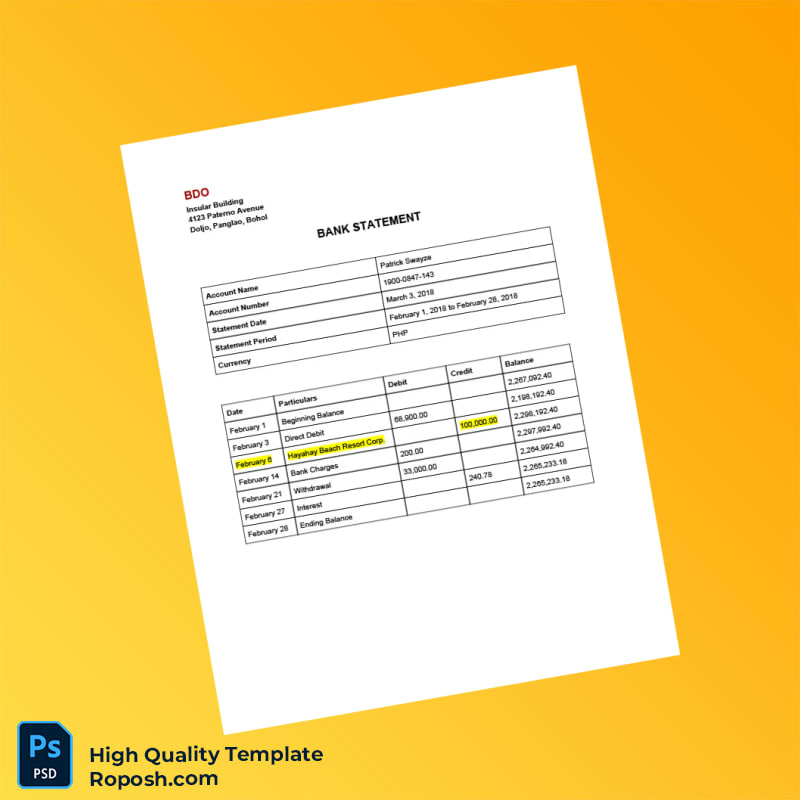
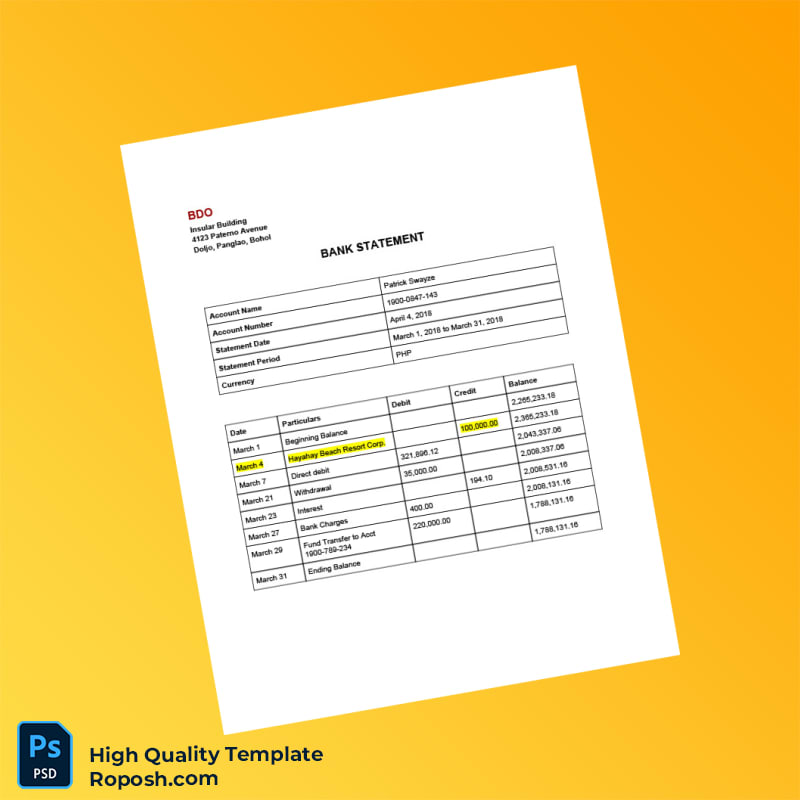
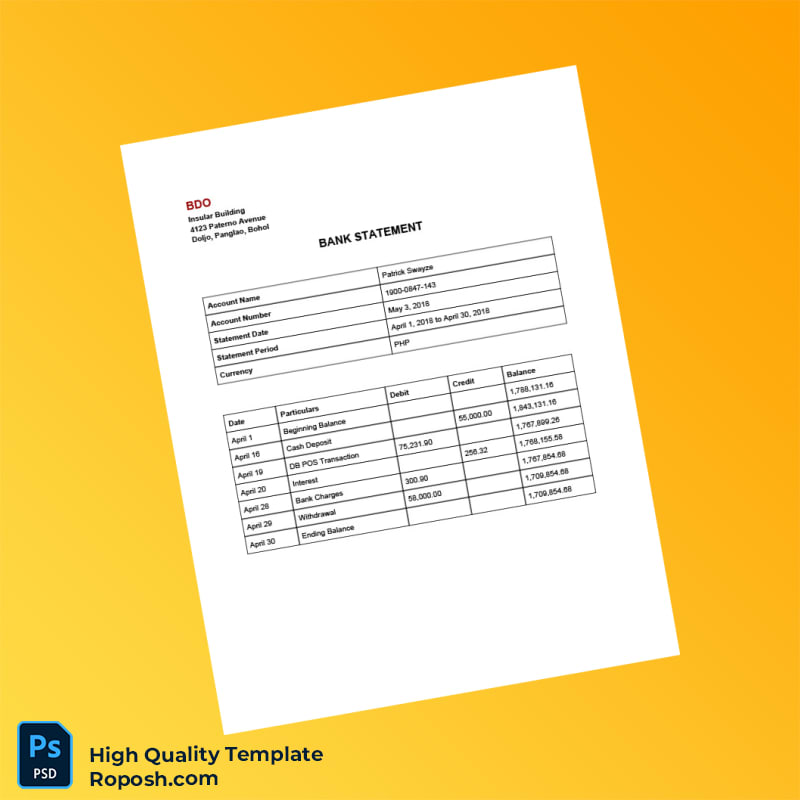
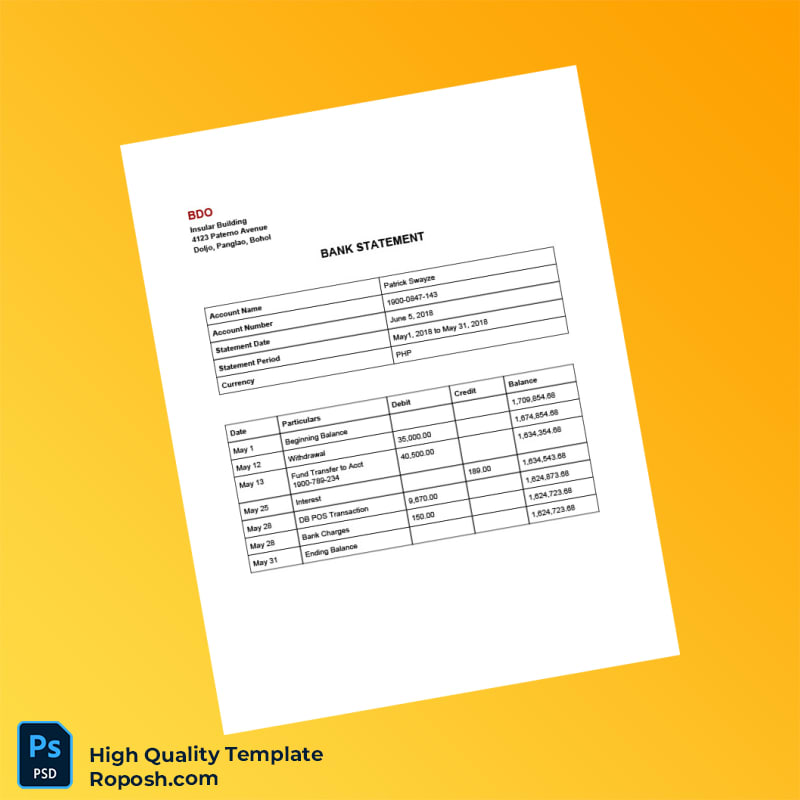
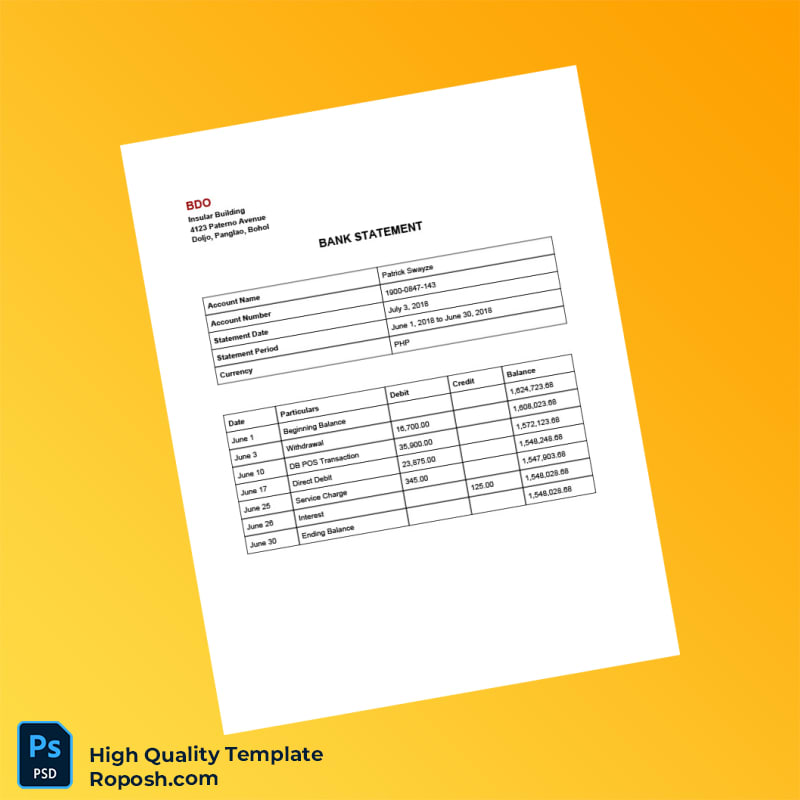
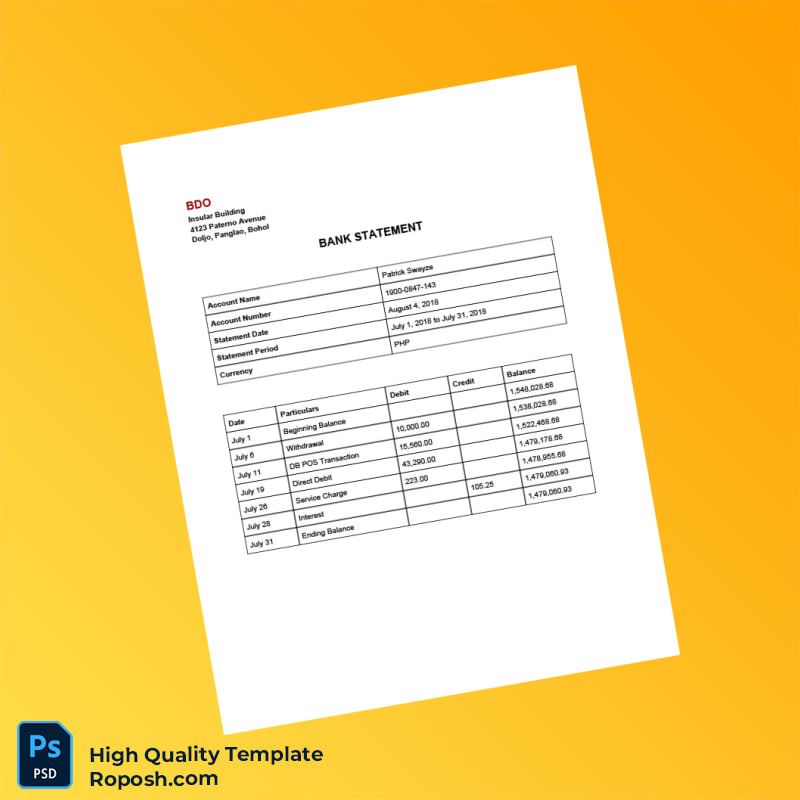
High-fidelity templates like the Philippines BDO Bank Statement Template play a crucial role for professionals requiring impeccable design accuracy. Whether incorporated into portfolios, educational mockups, or print shop presentations, precision in layout and typography ensures the final product stands out with professionalism. Designers and operators often face the challenge of sourcing pixel-perfect templates that preserve exact font styles and layout spacing, which is essential for maintaining a high standard of design integrity. This template addresses those requirements by delivering a fully layered, dimensionally precise asset compatible with essential editing software.
Addressing Layout & Font Challenges
One of the common difficulties when working with bank statement templates involves inconsistent font rendering and blurry text borders that degrade quality during print or digital presentation. This template resolves those issues by applying exact font matching and ensuring vector-sharp text borders throughout all pages. Its clean and well-organized layering system simplifies adjustments without compromising the document’s structural hierarchy. For professionals seeking further insights into OCR-friendly designs and layout accuracy, review our guide on OCR-friendly Design to understand best practices across document templates.
Technical Specifications Deep Dive
The Philippines BDO Bank Statement Template is crafted at a resolution of 300 DPI, optimized for print-ready outputs that maintain fine details and crisp edges. It utilizes CMYK color mode, ensuring precise color fidelity during printing while facilitating accurate on-screen previews. The layered file structure includes smart object functionality, enabling seamless replacement of placeholders while preserving design consistency. Additionally, vector layers guarantee that graphic elements and text retain scalability without pixelation or quality loss. Such technical features are essential for achieving standardized layout dimensions and authenticity in print collateral. For complementary design assets, consider the Editable Utility Bill PSD, perfect for augmenting comprehensive mockup projects.
Editing Workflow & Customization
Editing this template is straightforward for professionals familiar with Word and PDF platforms. Begin by accessing text layers to update account details, dates, and transaction information utilizing exact font styles embedded within the file. For graphic replacements, such as profile pictures or logos, smart objects allow drag-and-drop modifications while maintaining layer effects and boundaries. To preserve the structural integrity of critical fields like MRZ (Machine Readable Zone) or barcodes, it is vital to edit within their dedicated layers without altering their vector paths. This careful customization ensures that the template remains consistent with renowned design standards. To further enhance your version library, integrate our Editable Bank Statement Template for US Citibank, enriching your asset collection.
Exporting & Printing Best Practices
For optimal output, export the final design to PDF with preservation of vector layers and embedded fonts, ensuring vector-sharp text borders remain intact. When printing physical copies, use coated matte paper stocks with a minimum weight of 120gsm to avoid ink bleed and elevate presentation fidelity. Adjust printer settings to 300 DPI and select color profiles aligned with CMYK specifications for color consistency. Save additional PNG versions for on-screen displays or web usage, maintaining exact resolution parameters. To finalize your document suite, complement this template with the Editable Sri Lanka Bank Statement PSD templates for diversified portfolio options.




Reviews
There are no reviews yet.