


The Design Context
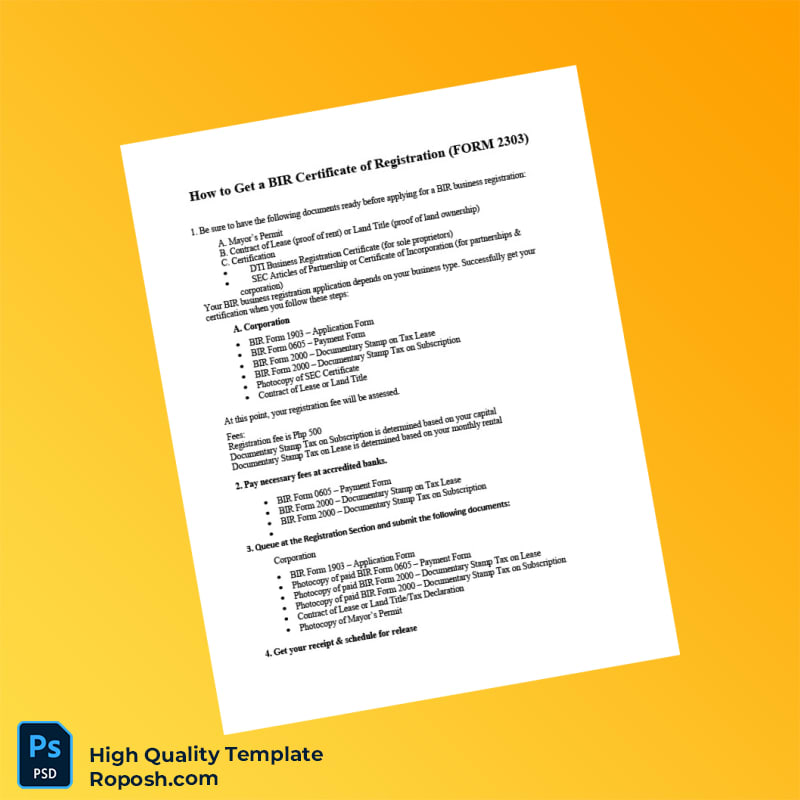
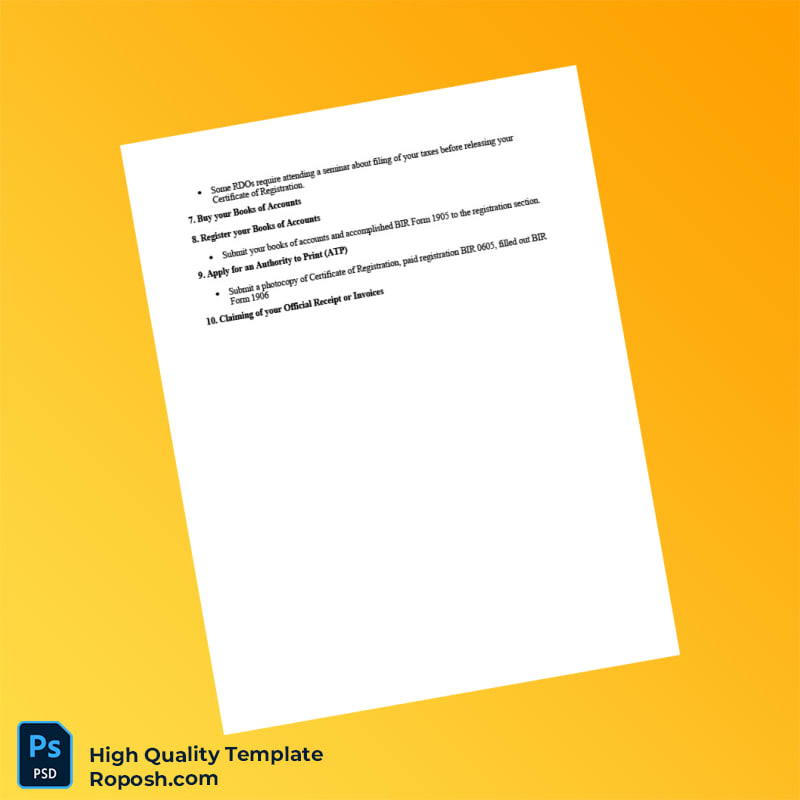
In professional graphic design and print production, having access to high-fidelity certificate templates is critical for delivering precise and visually accurate assets. Whether used within design portfolios, educational project mockups, or client presentations, the demand for pixel-perfect layouts is paramount. Generic templates often lack the refinement necessary to preserve exact font metrics and crisp element boundaries, resulting in blurred edges or mismatched typography that can compromise both aesthetics and print quality. This Philippines BIR Registration Certificate Template addresses these common challenges by providing a meticulously constructed 2-page design. Its rigorously standardized dimensions and accurate layer structure ensure that designers and production specialists can maintain the integrity of their work from screen to final print.
Addressing Layout & Font Challenges
Mismatched fonts or blurry text borders frequently undermine the credibility of certificate templates. This template offers a solution through comprehensive font embedding and exact vector outlines, guaranteeing smooth, sharp text rendering at any output size. The file also includes clean, well-organized layers, enabling effortless navigation between background art, text groups, barcode fields, and photo placeholders. Such organization minimizes the risk of unintentional alterations while supporting precise adjustments where required. For an educational perspective on how to maintain OCR-friendly and print-accurate designs, review our guide on OCR-friendly Design, which expands on industry best practices for layered document templates and scanned text clarity.
Technical Specifications Deep Dive
The Philippines BIR Registration Certificate Template is created with print excellence in mind. The document operates at a resolution of 300 DPI, sufficient for high-quality physical reproduction on standard certificate paper stock. The color mode is CMYK, optimized for commercial printing workflows, ensuring color accuracy and consistent results across various output devices. This template leverages vector shape layers for all textual and geometric components, preserving scalability without loss of detail. Additionally, Smart Object integration enables non-destructive editing of included graphic elements, facilitating the seamless replacement of photos or embedded barcodes without compromising the original layer structure. This technical robustness is crucial for compliance with printing standards and maintaining carefully designed layout proportions. To complement this asset within your design suite, consider the Editable Utility Bill PSD, which offers similarly precise text layer arrangements and print-ready formatting.
Editing Workflow & Customization
Editing the template is streamlined for professionals familiar with Microsoft Word and Adobe Acrobat environments. Text layers are fully customizable, allowing direct input replacement while retaining vector-sharp boundaries to ensure crisp print output. When replacing photographs or barcodes, utilize the Smart Objects or placeholder fields included in the design file to maintain proper alignment and scaling. Particular attention should be paid to fields such as the MRZ (Machine Readable Zone) layer, which has been constructed with exact dimensioning and font styles to preserve structural integrity during edits. The layered setup reduces the potential for layout shifts or distortions during content updates. To expand your editable document library, explore the Custom Editable Document Template, which shares a similarly robust layer architecture for professional use.
Exporting & Printing Best Practices
For export, save final documents primarily in PDF format to uphold vector clarity and print fidelity. Opting for PDF ensures that font embedding, layer structures, and color profiles remain intact when delivered to printers. When physical mockups are required, select heavyweight certificate or matte finish paper to replicate official document texture authentically. Avoid low-quality paper which can absorb ink unevenly, impacting text edge sharpness and color uniformity. Exporting to high-resolution PNG may be suitable for digital presentations but is not advised for physical print production due to rasterization. Complete your document portfolio by adding the Editable Government Registration Certificate PDF, a well-structured resource to finalize professional creditable document collections.
Layer & Field Breakdown
| Layer Group | Description | Editable? | Sample Data |
|---|---|---|---|
| Background | Certificate base design elements and border | No | Subtle watermark and border design |
| Text Layers | Certificate details including name, date, and registration number | Yes | Juan Dela Cruz |
| MRZ Layer | Machine readable zone with standardized font and spacing | Yes | PHL1234567890 |
| Photo Placeholder | Designated area for ID photo insertion | Yes | Applicant photo |
| Barcode Layer | Vector barcode design for verification use | Yes | 123456789012 |
Precision Editing for Professional Results
To achieve optimum results when customizing this template, ensure you edit text layers in native Word format to maintain font and vector data fidelity. When working with PDF files, use a professional PDF editor that supports Smart Object and layer editing features to preserve the template’s structural setup. For photo replacement, use the clip-mask layers to properly resize and align images without pixelation. Always check that MRZ and barcode fields retain prescribed font styles and vector sharpness to avoid compromising the template’s accuracy and print quality. By following these guidelines, designers can produce polished, compliant certificates suitable for display or presentation within any lawful and illustrative context.




Reviews
There are no reviews yet.