



The Design Context
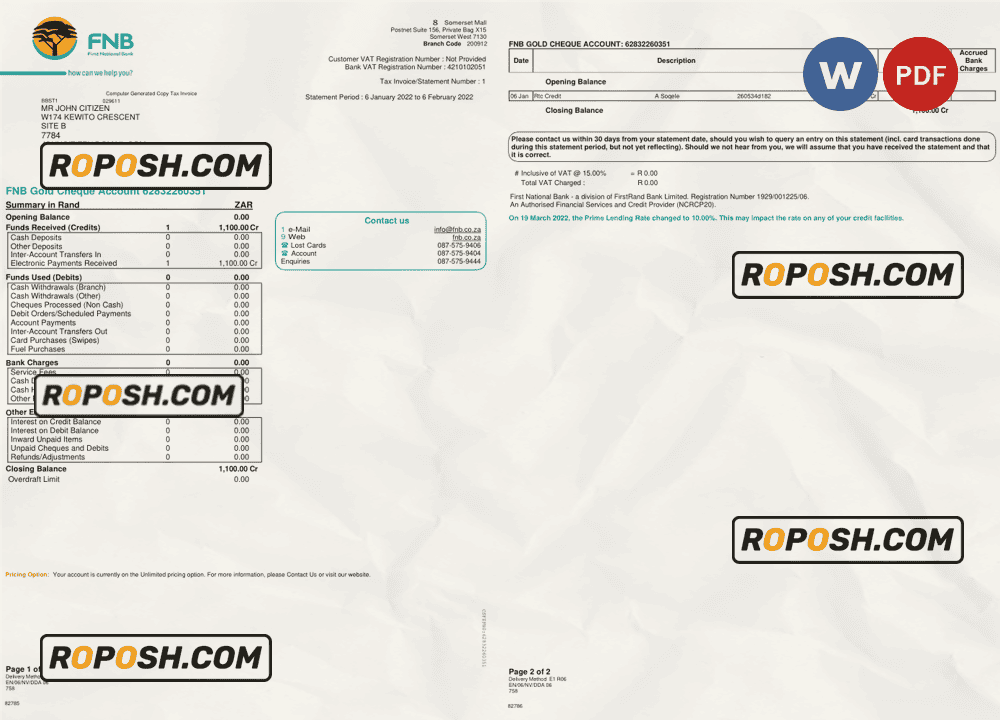
In the realm of graphic design and document production, templates that deliver pixel-perfect accuracy are paramount. Whether you’re building a professional portfolio, creating educational mockups, or assembling design presentations, having access to high-fidelity templates means your work reflects quality and reliability. This South Africa First National Bank (FNB) bank statement template offers an exceptional foundation for such projects. Its design precision allows graphic designers, print professionals, and document specialists to showcase their ability to work with exact font types, correct layout structures, and clean, vector-based elements. Finding ready-made, high-resolution templates that align with contemporary printing and digital standards often proves challenging. This product addresses these challenges directly by ensuring all aspects conform to rigorous design specifications, removing guesswork and reducing revision cycles.
Addressing Layout & Font Challenges
One of the most common issues in bank statement templates involves mismatched fonts and blurry graphic edges, which can undermine the professionalism of the final output. The South Africa First National Bank (FNB) template resolves these concerns through meticulously organized layers and precise font integration. Each text layer utilizes exact font matching aligned with the original document’s typographic standards, avoiding substitution glitches or rendering artifacts. Additionally, the design employs vector sharp borders to circumvent pixelation during scaling or printing. The layered structure is cleanly segmented, facilitating quick and accurate editing across both Microsoft Word and PDF environments. This streamlined design ensures every text block, table, and graphical element maintains its integrity during alterations. For a deeper understanding of OCR-friendly and print-optimized document layouts, Review our guide on OCR-friendly Design.
Technical Specifications Deep Dive
This South African bank statement template offers a resolution set to 300 DPI by default, supporting crisp output across both digital and print mediums. The color mode is configured in CMYK to ensure color fidelity during commercial press runs, but RGB versions are also optimized for on-screen use. The file is comprised of smart objects and vector shape layers that retain their scalability without losing definition, which is critical when resizing or making detailed edits. These technical characteristics guarantee that every line, border, and font is rendered with clarity and precision, meeting professional print shop requirements. The Word document is formatted with style guides and consistent paragraph definitions, enabling smooth content replacement while preserving layout structure. For complementary high-fidelity document assets suitable for extended projects, consider the Editable Utility Bill PSD, which aligns well with this bank statement template’s detailed style.
Editing Workflow & Customization
Editing this bank statement template is an intuitive process designed for both Word users and advanced graphic professionals. For text modifications, simply access the text layers directly within Word or your PDF editor; fonts are pre-embedded to ensure exact typeface rendition. To replace photographic elements, such as profile images or signature placeholders, use smart object layers by double-clicking them in compatible software like Adobe Photoshop to preserve scaling integrity. Special fields such as MRZ or barcode sections are constructed with standardized layer grouping, preventing accidental displacement that could compromise layout balance. This ensures that updates retain the document’s structural coherence. For those building a comprehensive document resource, expand your editable template collection with the Editable South Africa Diploma Template which complements financial document designs.
Exporting & Printing Best Practices
Once editing is complete, export the final design in a suitable format such as PDF for universal compatibility or PNG for high-quality screen presentation. When preparing physical proofs or final prints, select heavyweight, matte-coated papers typically rated at 200-300 gsm to enhance the authenticity and tactile feel of the bank statement. Use PDF export settings configured for high resolution, embedding all fonts and graphics to maintain vector-sharp elements. Avoid scaling after export to preserve design dimension integrity. For professional document verification collateral, consider integrating the Custom Verification Letter Template to finalize your asset collection with cohesion and precision.




Reviews
There are no reviews yet.